
-
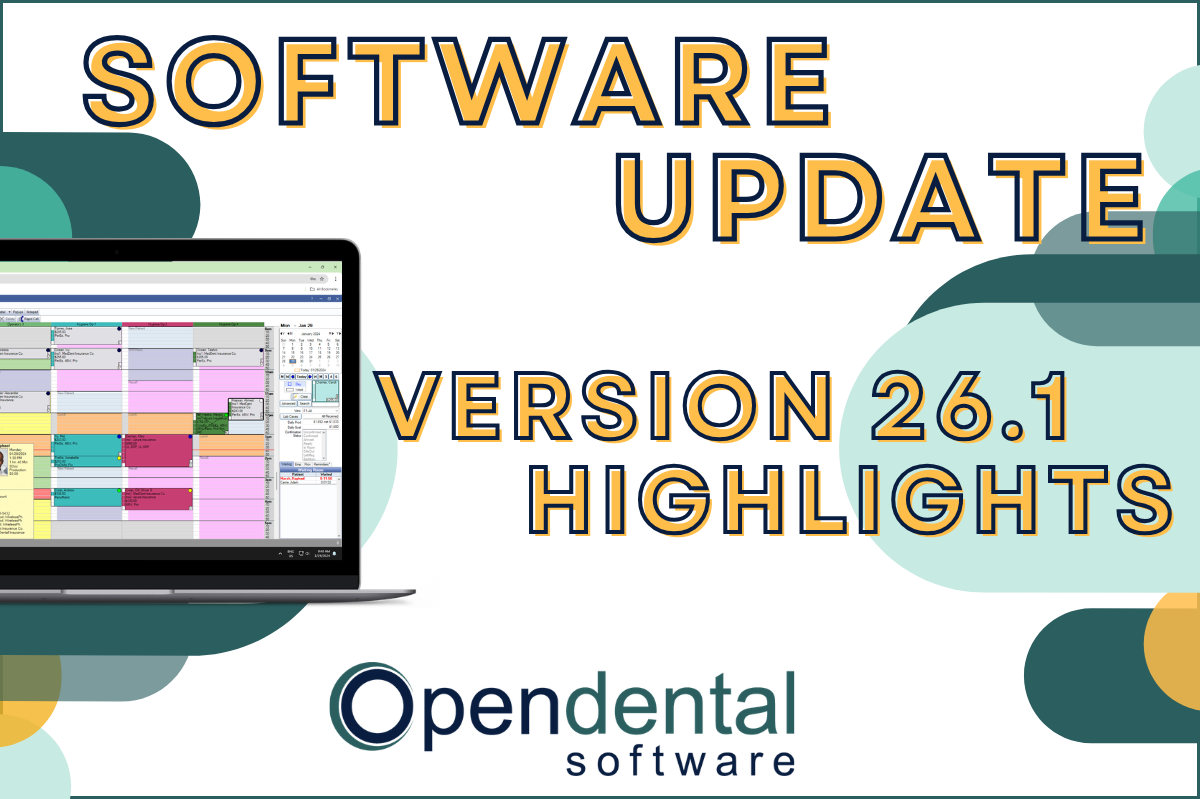 Read more: Software Update: Stable Version 26.1 Highlights
Software Update: Stable Version 26.1 Highlights
Open Dental 26.1 is now stable! New features include ODTouch 25, custom insurance history categories, HTML billing emails, and much more.
-

Choosing the Best Setup for Your Multi-Location Practice
Read more: Choosing the Best Setup for Your Multi-Location PracticeThere are several ways to set up Open Dental for your multi-location practice. In this post, we’ll explore the different options and what makes a setup the right fit for your practice.
-

Feature Highlight: Patient Dashboard
Read more: Feature Highlight: Patient DashboardLearn about Patient Dashboard, a customizable view of patients’ basic information that displays on the right side of Open Dental in all modules.
-

3 Tools to Prevent “Sucktember”
Read more: 3 Tools to Prevent “Sucktember”September doesn’t have to be “Sucktember.” These 3 kinds of tools in Open Dental will have you falling in love with fall again.
-

New Features Highlight: Imaging Module – Part 2
Read more: New Features Highlight: Imaging Module – Part 2We’ve covered the imaging module before, but in this part 2 post, we’ll cover some exciting new features that you won’t want to miss!
Guest Posts
Read content written by featured third-party guest writers.
-
 Read more: How DentalXChange’s Eligibility AI Is Getting Smarter
How DentalXChange’s Eligibility AI Is Getting Smarter
Manual eligibility checks are slow and error-prone. DentalXChange’s Eligibility AI now writes verified benefit data directly into your system, no retyping required.
-
 Read more: Where Does it Hurt?
Where Does it Hurt?
Where is your practice hurting? Learn the three common pain points for practices and ways to use insights from your data to resolve them.
-
 Read more: 3 Important Steps to Prevent Ransomware Attacks
3 Important Steps to Prevent Ransomware Attacks
Ransomware attacks are on the rise and there’s no way to stop cybercriminals targeting your dental practice. You need to backup, update, and educate.
-
 Read more: How Practice Management Software Can Solve Healthcare’s Cash Flow Problems
How Practice Management Software Can Solve Healthcare’s Cash Flow Problems
Not only is cash flow critical to a practice’s success, it must be efficiently managed through the practice management software – here’s how.
-
 Read more: Online patient reviews: Why they matter and how to improve them
Online patient reviews: Why they matter and how to improve them
Patients are looking at online reviews and ratings to select their healthcare providers. Learn how you can improve your online ratings and stand out from the crowd.
-
 Read more: 23 Jaw-Dropping Dental Branding & Logo Ideas
23 Jaw-Dropping Dental Branding & Logo Ideas
Patients tend to choose a brand they connect with over a generic alternative. Consider how you are portraying your practice vs. the competition, and see some great examples of dental branding.