
-
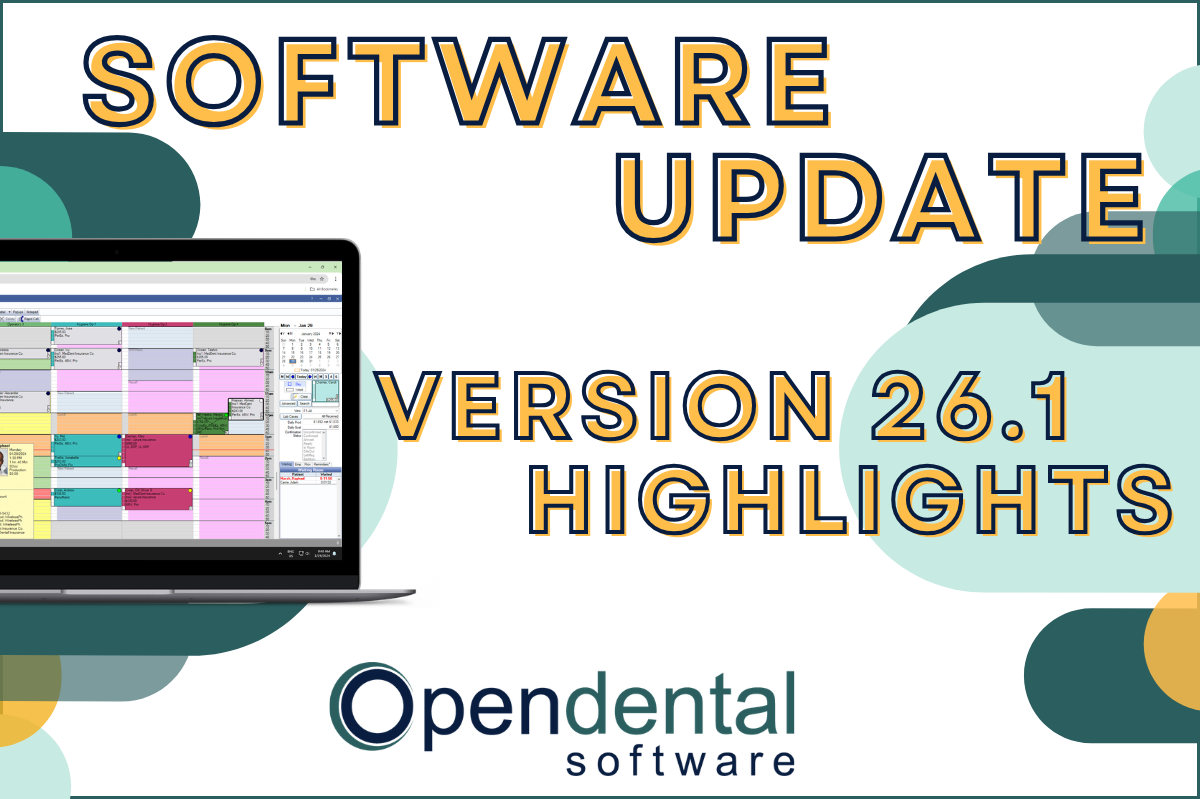 Read more: Software Update: Stable Version 26.1 Highlights
Software Update: Stable Version 26.1 Highlights
Open Dental 26.1 is now stable! New features include ODTouch 25, custom insurance history categories, HTML billing emails, and much more.
-

Choosing the Best Setup for Your Multi-Location Practice
Read more: Choosing the Best Setup for Your Multi-Location PracticeThere are several ways to set up Open Dental for your multi-location practice. In this post, we’ll explore the different options and what makes a setup the right fit for your practice.
-

Feature Highlight: Patient Dashboard
Read more: Feature Highlight: Patient DashboardLearn about Patient Dashboard, a customizable view of patients’ basic information that displays on the right side of Open Dental in all modules.
-

3 Tools to Prevent “Sucktember”
Read more: 3 Tools to Prevent “Sucktember”September doesn’t have to be “Sucktember.” These 3 kinds of tools in Open Dental will have you falling in love with fall again.
-

New Features Highlight: Imaging Module – Part 2
Read more: New Features Highlight: Imaging Module – Part 2We’ve covered the imaging module before, but in this part 2 post, we’ll cover some exciting new features that you won’t want to miss!
Guest Posts
Read content written by featured third-party guest writers.
-
 Read more: How DentalXChange’s Eligibility AI Is Getting Smarter
How DentalXChange’s Eligibility AI Is Getting Smarter
Manual eligibility checks are slow and error-prone. DentalXChange’s Eligibility AI now writes verified benefit data directly into your system, no retyping required.
-
 Read more: Protecting Your Dental Practice Technology from Unexpected Power Outages
Protecting Your Dental Practice Technology from Unexpected Power Outages
Fortify your dental practice against unexpected power outages, and navigate the journey before, during, and after an outage.
-
 Read more: Communicate with care: How to lead effective and inclusive cost conversations
Communicate with care: How to lead effective and inclusive cost conversations
You want patients to be proactive in their dental health. Help them make informed decisions by combining trust, transparency and personalized solutions throughout cost conversations.
-
 Read more: Revolutionizing Student Loan Repayment: Dentists’ Untapped Solutions to Student Loan Debt
Revolutionizing Student Loan Repayment: Dentists’ Untapped Solutions to Student Loan Debt
Student loans stressing you out? Learn the most effective strategies for paying off your student loans.
-
 Read more: More Claims. Automated Process. Reduce AR Days.
More Claims. Automated Process. Reduce AR Days.
Running a successful dental practice can be a balancing act. Tip the scales in your favor with these tips to reduce your AR days.
-
 Read more: Improve Patient Safety with Structured and Codified Sig
Improve Patient Safety with Structured and Codified Sig
Human error when eprescribing can leave patients at risk. Prevent errors with structured and codified sig, already in your NewCrop eprescribe tool.