-
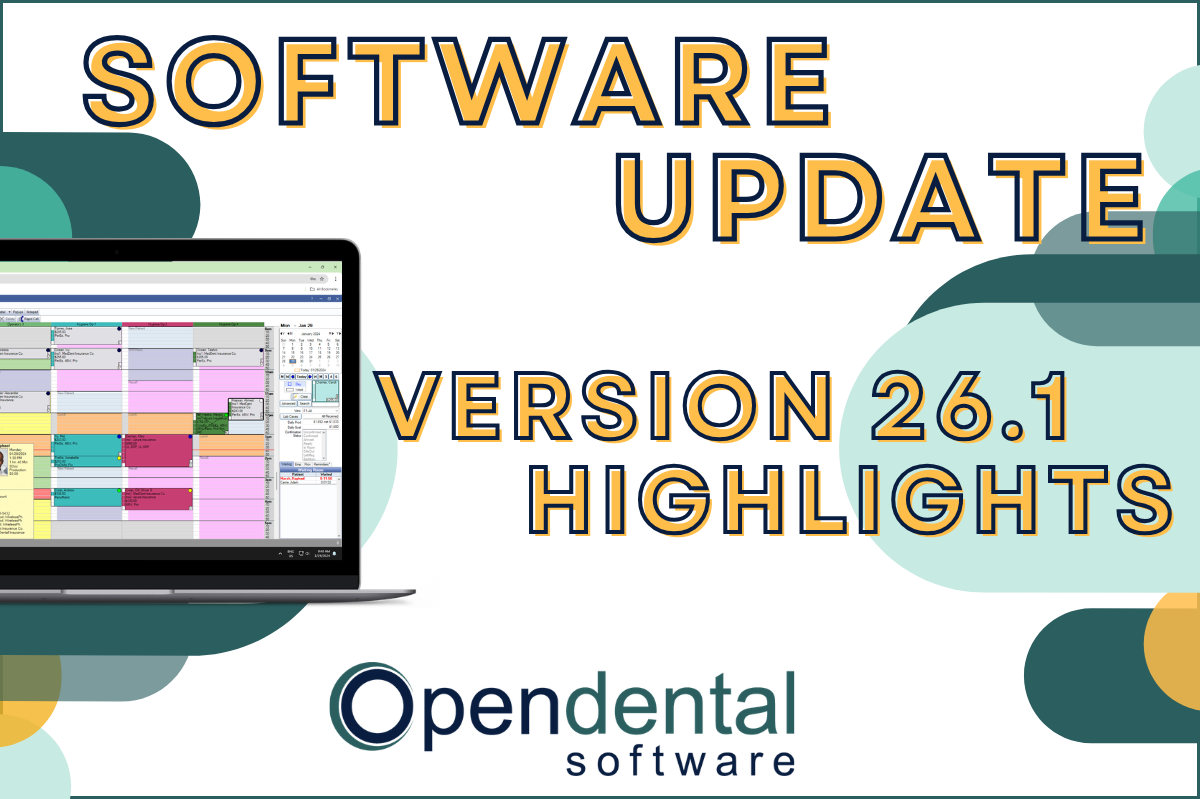 Read more: Software Update: Stable Version 26.1 Highlights
Software Update: Stable Version 26.1 Highlights
Open Dental 26.1 is now stable! New features include ODTouch 25, custom insurance history categories, HTML billing emails, and much more.
-

Choosing the Best Setup for Your Multi-Location Practice
Read more: Choosing the Best Setup for Your Multi-Location PracticeThere are several ways to set up Open Dental for your multi-location practice. In this post, we’ll explore the different options and what makes a setup the right fit for your practice.
-

Feature Highlight: Patient Dashboard
Read more: Feature Highlight: Patient DashboardLearn about Patient Dashboard, a customizable view of patients’ basic information that displays on the right side of Open Dental in all modules.
-

3 Tools to Prevent “Sucktember”
Read more: 3 Tools to Prevent “Sucktember”September doesn’t have to be “Sucktember.” These 3 kinds of tools in Open Dental will have you falling in love with fall again.
-

New Features Highlight: Imaging Module – Part 2
Read more: New Features Highlight: Imaging Module – Part 2We’ve covered the imaging module before, but in this part 2 post, we’ll cover some exciting new features that you won’t want to miss!
Guest Posts
Read content written by featured third-party guest writers.
-
 Read more: How DentalXChange’s Eligibility AI Is Getting Smarter
How DentalXChange’s Eligibility AI Is Getting Smarter
Manual eligibility checks are slow and error-prone. DentalXChange’s Eligibility AI now writes verified benefit data directly into your system, no retyping required.
-
 Read more: Enhancing Patient Experience: The Benefits of Secure Online Statements in the Dental Industry
Enhancing Patient Experience: The Benefits of Secure Online Statements in the Dental Industry
Secure online statements can benefit not only your practice operations, but your patient experience. Learn the impacts and how you can implement this in your practice.
-
 Read more: Dental Marketing Calendars: Planning Marketing Efforts for Your Practice
Dental Marketing Calendars: Planning Marketing Efforts for Your Practice
A marketing calendar helps you strategize, implement, and oversee your efforts, so you can capitalize on every patient marketing opportunity.
-
 Read more: What are the Benefits of Cloud Data Backup?
What are the Benefits of Cloud Data Backup?
As a HIPAA-compliant business, secure backups are essential. Learn the benefits of cloud data backup for your dental practice.
-
 Read more: Telemedicine and ePrescribing: Impacting treatment for those with Opioid Use Disorder.
Telemedicine and ePrescribing: Impacting treatment for those with Opioid Use Disorder.
Learn how the availability of telemedicine and ePrescribing has impacted the treatment for those with Opioid Use Disorder.
-
 Read more: Using a dental clinical notes template: Pros and cons
Using a dental clinical notes template: Pros and cons
Learn when and how to use clinical notes templates for consistency, improved efficiency, and prevention of human error and omission.