
-
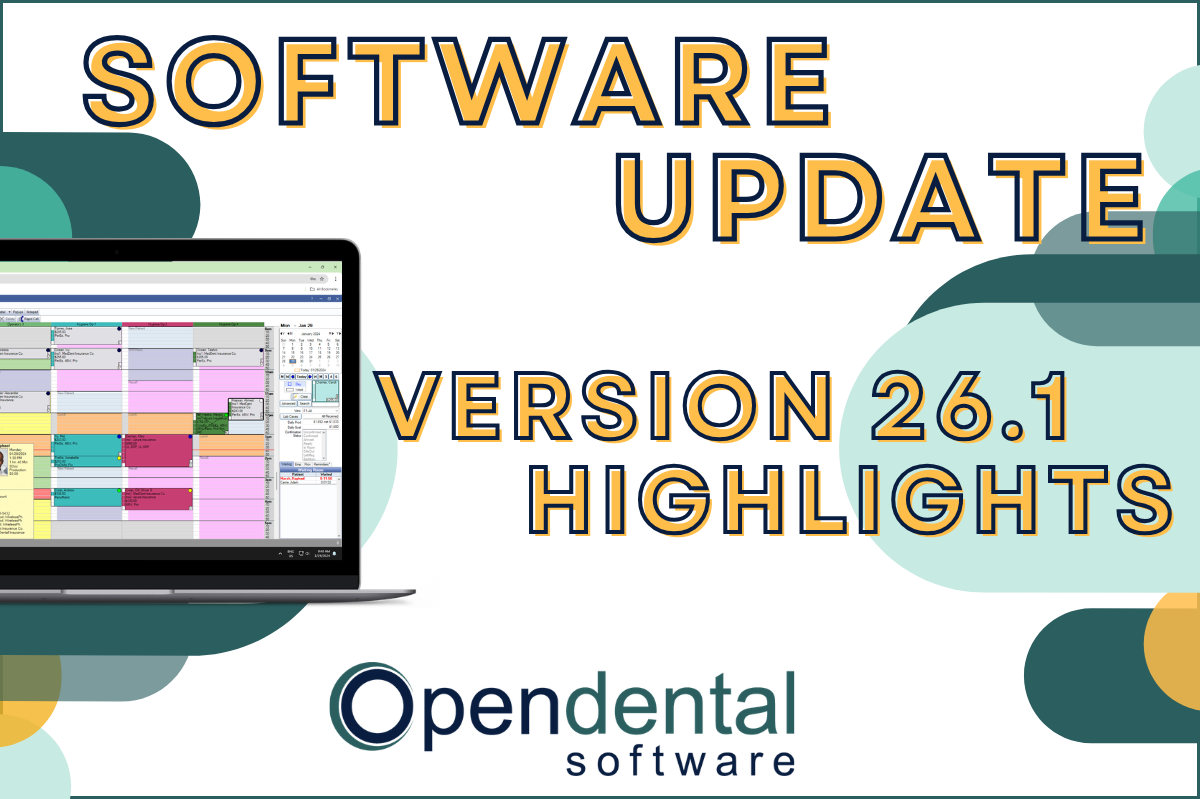 Read more: Software Update: Stable Version 26.1 Highlights
Software Update: Stable Version 26.1 Highlights
Open Dental 26.1 is now stable! New features include ODTouch 25, custom insurance history categories, HTML billing emails, and much more.
-

Better Patient Communication with Integrated Texting
Read more: Better Patient Communication with Integrated TextingTexting is by far the most effective method of patient communication. Learn all the different ways you can utilize texting in Open Dental.
-

Block Scheduling in Open Dental
Read more: Block Scheduling in Open DentalPatient scheduling is an everyday task that’s critically important to your practice’s success and growth. Learn how block scheduling boosts efficiency and allows you to schedule the right production value mix to meet and exceed your practice goals.
-

Software Update: Stable Version 22.4 Highlights
Read more: Software Update: Stable Version 22.4 HighlightsSoftware Update: Version 22.4 has been released as Stable. Learn more about the new features right here.
-

Open Dental Marietta Street (Oregon) Campus Progress Update #6
Read more: Open Dental Marietta Street (Oregon) Campus Progress Update #6The Open Dental Marietta Campus in Salem, Oregon is continuing to grow. Take a look at what’s new.
Guest Posts
Read content written by featured third-party guest writers.
-
 Read more: How DentalXChange’s Eligibility AI Is Getting Smarter
How DentalXChange’s Eligibility AI Is Getting Smarter
Manual eligibility checks are slow and error-prone. DentalXChange’s Eligibility AI now writes verified benefit data directly into your system, no retyping required.
-
 Read more: Go for the Gold in 2021!
Go for the Gold in 2021!
Learn how your practice can win its own Olympic-size victories and enjoy a prosperous 2021 and beyond.
-
 Read more: How To Get The Most Out of Your Dental Technology and Your Budget
How To Get The Most Out of Your Dental Technology and Your Budget
Learn how to integrate the latest technology and regularly maintain it without the upfront financial burden of purchasing new equipment.
-
 Read more: How Employers Can Stay Ahead As COVID-19 Changes Dental Staffing
How Employers Can Stay Ahead As COVID-19 Changes Dental Staffing
COVID-19 has brought lasting changes to dental staffing. Learn how to stay ahead, and find the staff you need to succeed in this post.
-
 Read more: Secure File Sharing: How to Stay HIPAA Compliant
Secure File Sharing: How to Stay HIPAA Compliant
Secure file sharing is imperative for dental practitioners who must remain in full compliance with HIPAA. Get top tips on secure file sharing and staying HIPAA compliant.
-
 Read more: The State of Local Business 2020—Key Insights
The State of Local Business 2020—Key Insights
Learn the current customer mindset, and uncover the top ways that local businesses must adapt to meet those new expectations.