
-
 Read more: Software Update: Stable Version 25.4 Highlights
Software Update: Stable Version 25.4 Highlights
Open Dental 25.4 is live and packed with updates. From OCR on eClipboard that auto-fills patient insurance info, to a Clerri integration for in-house membership plans, there’s a lot to explore, including 11 features requested directly by users.
-

Software Update: Stable Version 19.4 Highlights
Read more: Software Update: Stable Version 19.4 HighlightsSOFTWARE UPDATE: Version 19.4 has been released as Stable, implementing 13 features requested by our users. Watch the video and read all the version highlights here.
-

Teledentistry and Open Dental
Read more: Teledentistry and Open DentalTeledentistry may not have been part of your patient care before, but it is now an important part of offering diagnostic and follow-up care to your patients. This post provides resources and the setup steps needed in Open Dental to accommodate teledentistry.
-

Staying Productive and Proactive When You’re Not Seeing Patients
Read more: Staying Productive and Proactive When You’re Not Seeing PatientsTake these steps to be productive and proactive when you’re not seeing patients so that when business picks up again, you’ll be poised and ready with increased efficiency and productivity.
-

Funding Unscheduled Treatment with Tax Refunds
Read more: Funding Unscheduled Treatment with Tax RefundsConsumer health spending jumps after patients receive their tax refunds, so now is the time to contact patients with Unscheduled Treatment, and we have the 4 simple steps that will help you get it done today.
Guest Posts
Read content written by featured third-party guest writers.
-
 Read more: Why Your Open Dental Practice Deserves a Better Membership Experience
Why Your Open Dental Practice Deserves a Better Membership Experience
Managing membership plans across disconnected systems slows your team down. Here’s how Clerri, a native Open Dental integration, changes the experience for staff and patients.
-
 Read more: Open Dental integrates with CareCredit: Helpful information to get started
Open Dental integrates with CareCredit: Helpful information to get started
New, seamless integration makes it easier to offer patients financing options using CareCredit.
-
 Read more: Get insights into your average per patient charges, follow-up care with new ADA DERE reports
Get insights into your average per patient charges, follow-up care with new ADA DERE reports
Dentists connected to the ADA Dental Experience and Research Exchange™ (DERE) through Open Dental now have even more ways to gain insights into their practices. With the release of two new DERE reports, including its first financial report, participants can access more easy-to-understand data about their practices’ performance.
-
 Read more: Tips for successfully working with flexible staff
Tips for successfully working with flexible staff
COVID-19 has changed many aspects of our work, but the biggest change has been to workplace flexibility. See how this extends to staffing, and how you can capitalize on it.
-
 Read more: Intraoral Sensors Uncensored
Intraoral Sensors Uncensored
Intraoral sensors are some of the most widely used and vital pieces of dental technology is your practice. Learn which sensors are recommended (and which to avoid), and some great troubleshooting steps.
-
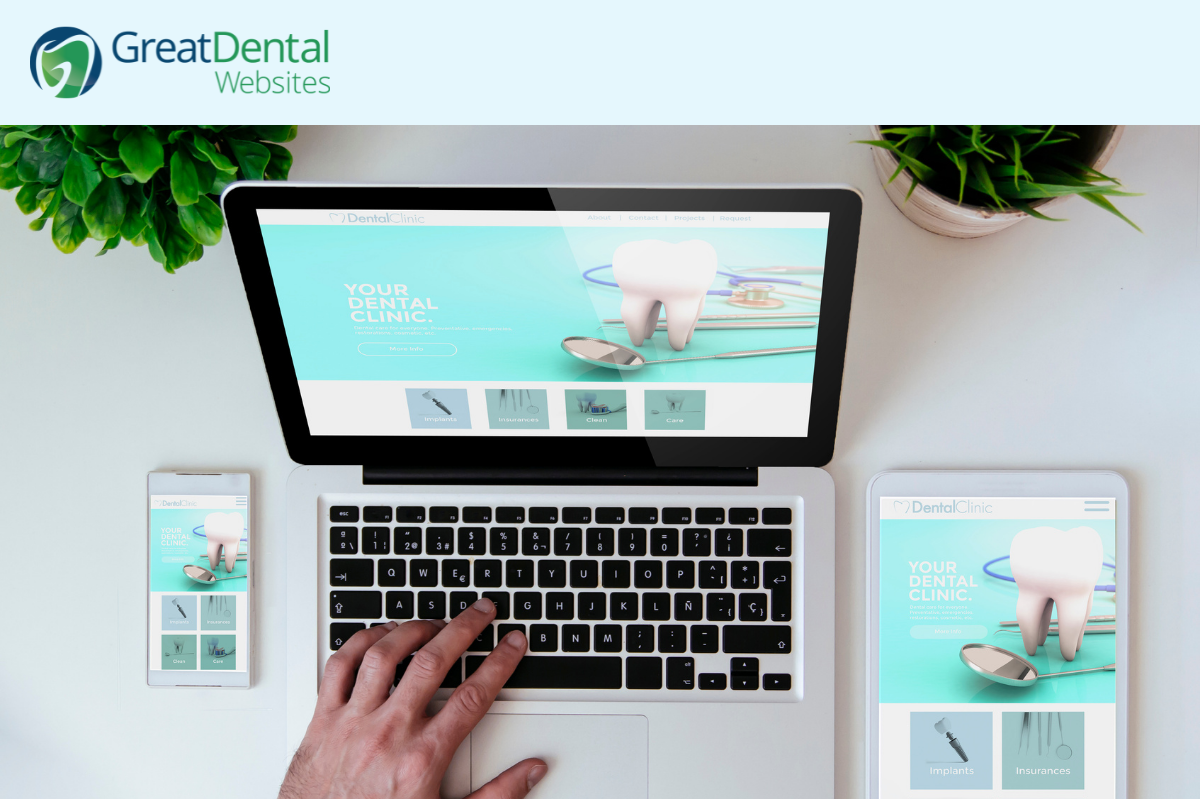 Read more: General Dentists and Specialists: What to Include on Your Website
General Dentists and Specialists: What to Include on Your Website
Learn what essential information (and imagery) you should make sure to include in your general or specialty practice website.