
-
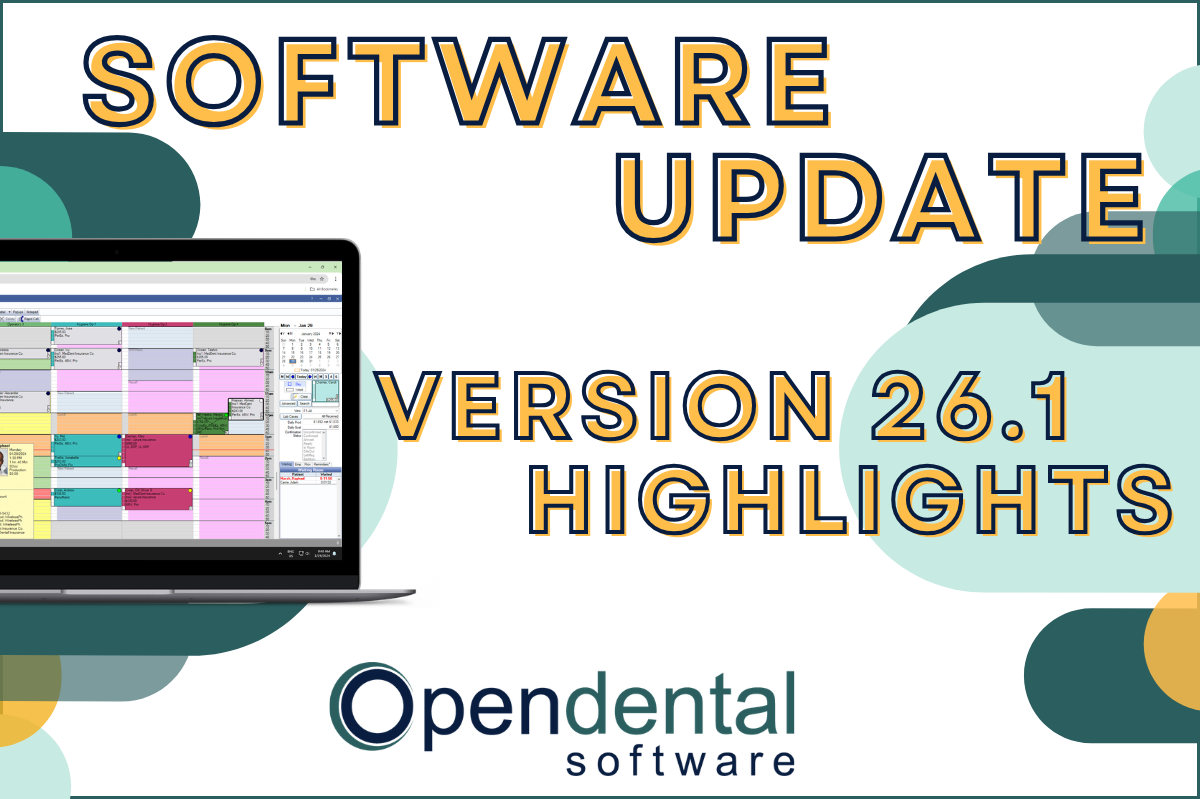 Read more: Software Update: Stable Version 26.1 Highlights
Software Update: Stable Version 26.1 Highlights
Open Dental 26.1 is now stable! New features include ODTouch 25, custom insurance history categories, HTML billing emails, and much more.
-

Installing Open Dental on Additional Workstations
Read more: Installing Open Dental on Additional WorkstationsInstalling Open Dental on additional workstations is a simple process. These prerequisites will ensure your installation goes smoothly, and the post-install steps will allow the new user to hit the ground running!
-

Employee Spotlight: Mark
Read more: Employee Spotlight: MarkIn our continuing Employee Spotlight series, we introduce Mark, whose hard work and dedication have truly made a difference in our organization.
-

Feature Highlight: Security
Read more: Feature Highlight: SecurityLearn how to set up global and user-level permissions in Open Dental to ensure appropriate security and a smooth workflow.
-

Building an Open Dental Certification Process for Your Employees
Read more: Building an Open Dental Certification Process for Your EmployeesLearn about customizing the Open Dental Certifications tool to help you monitor employee advancement as they learn Open Dental.
Guest Posts
Read content written by featured third-party guest writers.
-
 Read more: How DentalXChange’s Eligibility AI Is Getting Smarter
How DentalXChange’s Eligibility AI Is Getting Smarter
Manual eligibility checks are slow and error-prone. DentalXChange’s Eligibility AI now writes verified benefit data directly into your system, no retyping required.
-
 Read more: Do I Need IT for a Startup Dental Practice?
Do I Need IT for a Startup Dental Practice?
Do you need professional IT for your startup practice? Learn how the right choice can protect your practice and set you up for future success.
-
 Read more: How to avoid dental office burnout in your practice: 3 tips
How to avoid dental office burnout in your practice: 3 tips
As a dentist, it’s important to have strategies in place to avoid staff burnout – their well-being and your success depend on it. Here are a few tips.
-
 Read more: HIPAA Compliance and Data Recovery: Why Is It Important to Patients?
HIPAA Compliance and Data Recovery: Why Is It Important to Patients?
This guide discusses why HIPAA compliance is important to patients and the steps healthcare providers should take to stay compliant.
-
 Read more: Open Dental integrates with CareCredit: Helpful information to get started
Open Dental integrates with CareCredit: Helpful information to get started
New, seamless integration makes it easier to offer patients financing options using CareCredit.
-
 Read more: Get insights into your average per patient charges, follow-up care with new ADA DERE reports
Get insights into your average per patient charges, follow-up care with new ADA DERE reports
Dentists connected to the ADA Dental Experience and Research Exchange™ (DERE) through Open Dental now have even more ways to gain insights into their practices. With the release of two new DERE reports, including its first financial report, participants can access more easy-to-understand data about their practices’ performance.