
-
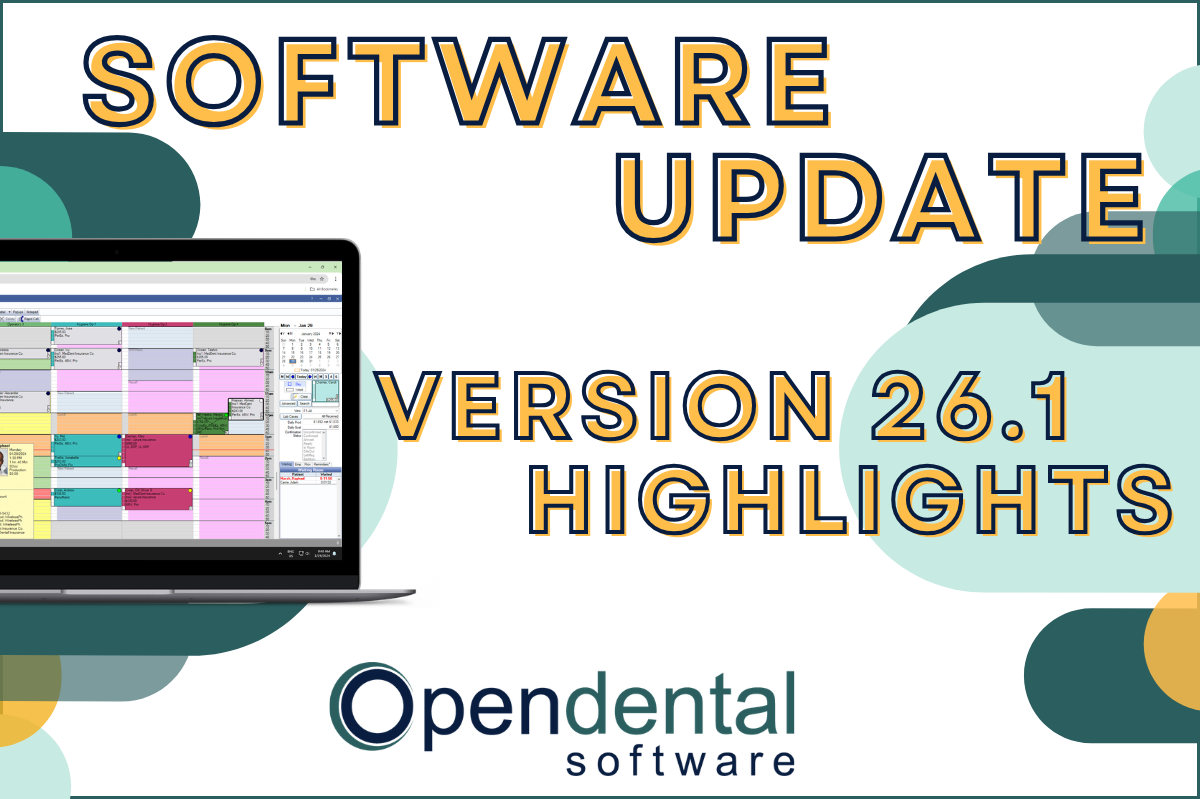 Read more: Software Update: Stable Version 26.1 Highlights
Software Update: Stable Version 26.1 Highlights
Open Dental 26.1 is now stable! New features include ODTouch 25, custom insurance history categories, HTML billing emails, and much more.
-

Managing Your Patient Accounts Part 3: Repeating & Recurring Charges and Payment Plans
Read more: Managing Your Patient Accounts Part 3: Repeating & Recurring Charges and Payment PlansThis post will help you understand recurring & repeating charges and payment plans, and the tools available to help you manage patient accounts.
-

Open Dental Marietta Street (Oregon) Campus Progress Update #3
Read more: Open Dental Marietta Street (Oregon) Campus Progress Update #3Take a look at how things are moving along at the Open Dental Marietta Street Campus.
-

Software Update: Stable Version 19.1 Highlights
Read more: Software Update: Stable Version 19.1 HighlightsSOFTWARE UPDATE: Version 19.1 has been released as Stable. 21 requested enhancements & new features were implemented in this software update, and you can read the highlights here.
-

Feature Highlight: The Show Tab
Read more: Feature Highlight: The Show TabThe Show Tab located in the chart module can help access data more efficiently and boost your productivity. Read this post to learn how.
Guest Posts
Read content written by featured third-party guest writers.
-
 Read more: How DentalXChange’s Eligibility AI Is Getting Smarter
How DentalXChange’s Eligibility AI Is Getting Smarter
Manual eligibility checks are slow and error-prone. DentalXChange’s Eligibility AI now writes verified benefit data directly into your system, no retyping required.
-
 Read more: Is Your Practice Revenue Ready for the New Year?
Is Your Practice Revenue Ready for the New Year?
The New Year is synonymous with personal resolutions, but have you considered making them for your practice as well? This is an ideal time to reflect on the health and wellness of billing practices to improve efficiency, compliance, and reimbursements and payments.
-
 Read more: 4 ways to help patients use their dental benefits by the end of the year
4 ways to help patients use their dental benefits by the end of the year
Build a solid strategy to fill your schedule while helping patients wisely use their dental insurance benefits by the end of the year.
-
 Read more: Instagram Tips for Dentists
Instagram Tips for Dentists
Looking to create a strong social media presence to grow your dental practice? Instagram can be a powerful tool.
-
 Read more: 4 Interesting Facts About Real-Time Prescription Benefit
4 Interesting Facts About Real-Time Prescription Benefit
Consumerism is coming to healthcare, and one of its forms is called Real-Time Prescription Benefit. Learn the facts, and find out how you’ll soon be able to offer it to your patients.
-
 Read more: Wired Vs Wireless Printing
Wired Vs Wireless Printing
Wi-Fi is great, but wireless printing may not be the best idea for your practice. Learn how to reduce points of failure to print without worry.