
-
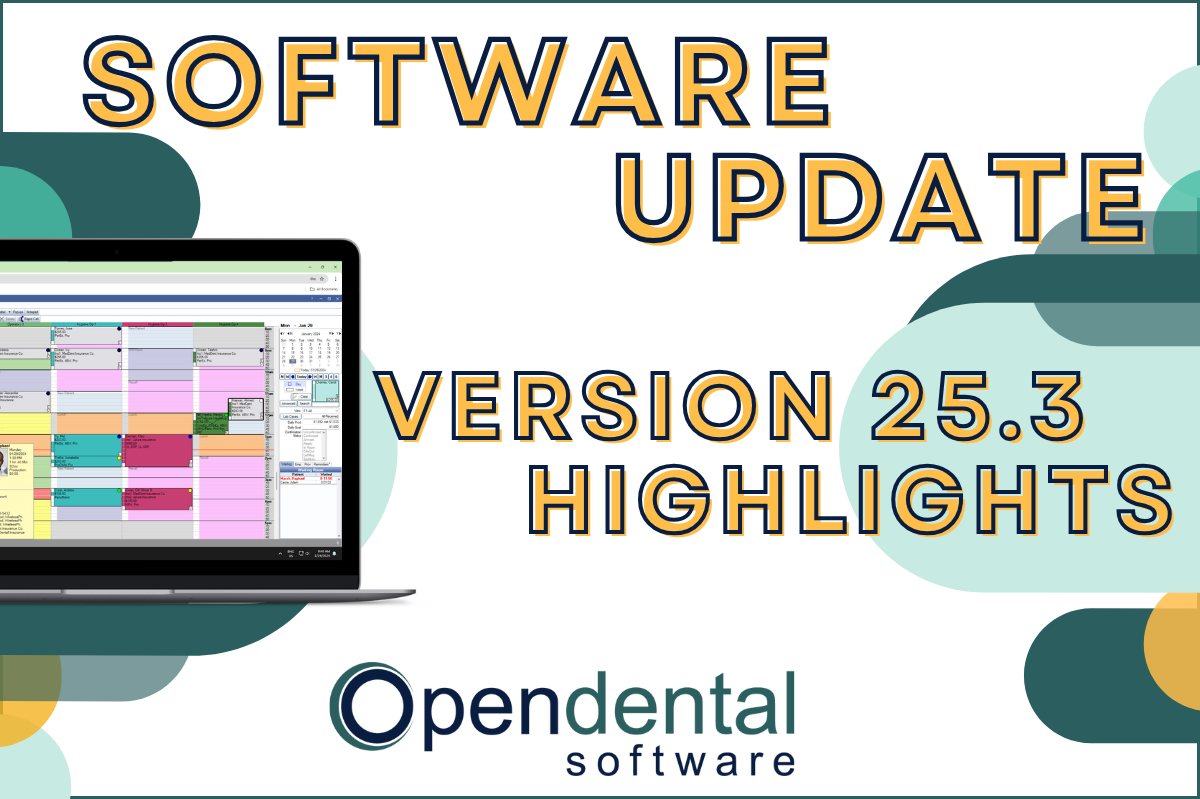 Read more: Software Update: Stable Version 25.3 Highlights
Software Update: Stable Version 25.3 Highlights
Open Dental Version 25.3 has been released as Stable! Our latest blog post goes into some of the highlights from this version, including a few user feature requests!
-

Feature Highlight: The Show Tab
Read more: Feature Highlight: The Show TabThe Show Tab located in the chart module can help access data more efficiently and boost your productivity. Read this post to learn how.
-

Managing Your Patient Accounts Part 2: Adjustments and Account Procs Quick Add
Read more: Managing Your Patient Accounts Part 2: Adjustments and Account Procs Quick AddIn this Patient Accounts Part 2 post, explore adding adjustments to multiple procedures, and how to quickly charge retail items to patient accounts.
-

Software Update: Stable Version 18.4 Highlights
Read more: Software Update: Stable Version 18.4 HighlightsWe are excited to announce that Version 18.4 has been released as Stable. This version implemented 25 features and enhancements. Read the highlights in this post, then update to unlock all the software has to offer!
-

Managing Your Patient Accounts Part 1: All About Claims
Read more: Managing Your Patient Accounts Part 1: All About ClaimsIn this Patient Accounts Part 1 post, read how to create claims quickly & efficiently, track any follow-ups you’re doing with insurance, and all that comes with handling insurance payments.
Guest Posts
Read content written by featured third-party guest writers.
-
 Read more: AI Dental Software: What Actually Works in Modern Dental Practices
AI Dental Software: What Actually Works in Modern Dental Practices
Staff shortages, endless charting, patients who zone out mid-explanation. These are real problems. AI dental software is quietly solving them. Here’s what it does, what it doesn’t, and how to know if it’s right for your practice.
-
 Read more: Improve Your Patient Experience with a Streamlined Payment Process
Improve Your Patient Experience with a Streamlined Payment Process
Patients today want almost everything to be easier: it is essential to think of them in even the minor details of office operations. If how you approach payment processing is an afterthought today, insights in this post might leave you thinking differently.
-
 Read more: Turn Your Phone Line into a Goldmine with Phone IQ
Turn Your Phone Line into a Goldmine with Phone IQ
Don’t answer your practice phone blindly. Let Phone IQ from Practice by Numbers show you patient & family data at first ring, so your conversations are efficient and productive.
-
 Read more: Leveraging the Internet Part 3: Automating and Optimizing the Customer Journey
Leveraging the Internet Part 3: Automating and Optimizing the Customer Journey
For new customers looking for a practice, it starts with convenience. And as a customer-centric business, automating the feedback loop is key. Read this post to find out how Podium integrates with Open Dental to automate and optimize your customer journey, to take your practice to the next level.
-
 Read more: ‘Ransomware’: A Growing Threat To Your Practice
‘Ransomware’: A Growing Threat To Your Practice
Ransomware presents a growing threat to your practice. Read this post to learn more about the types of ransomware, its potential impact on your practice, and how UnisonBDS from Central Data Storage can help protect your data and reputation against ransomware.
-
 Read more: 3 Ways To Protect Your Business Data When Mother Nature Strikes
3 Ways To Protect Your Business Data When Mother Nature Strikes
Is your data safe from a natural disaster? The small amount of time it takes to adopt a disaster recovery plan pales in comparison to the weeks and months it can take to recover from serious data loss. Read this post for three ways to help avoid data loss due to a Natural Disaster.