
-
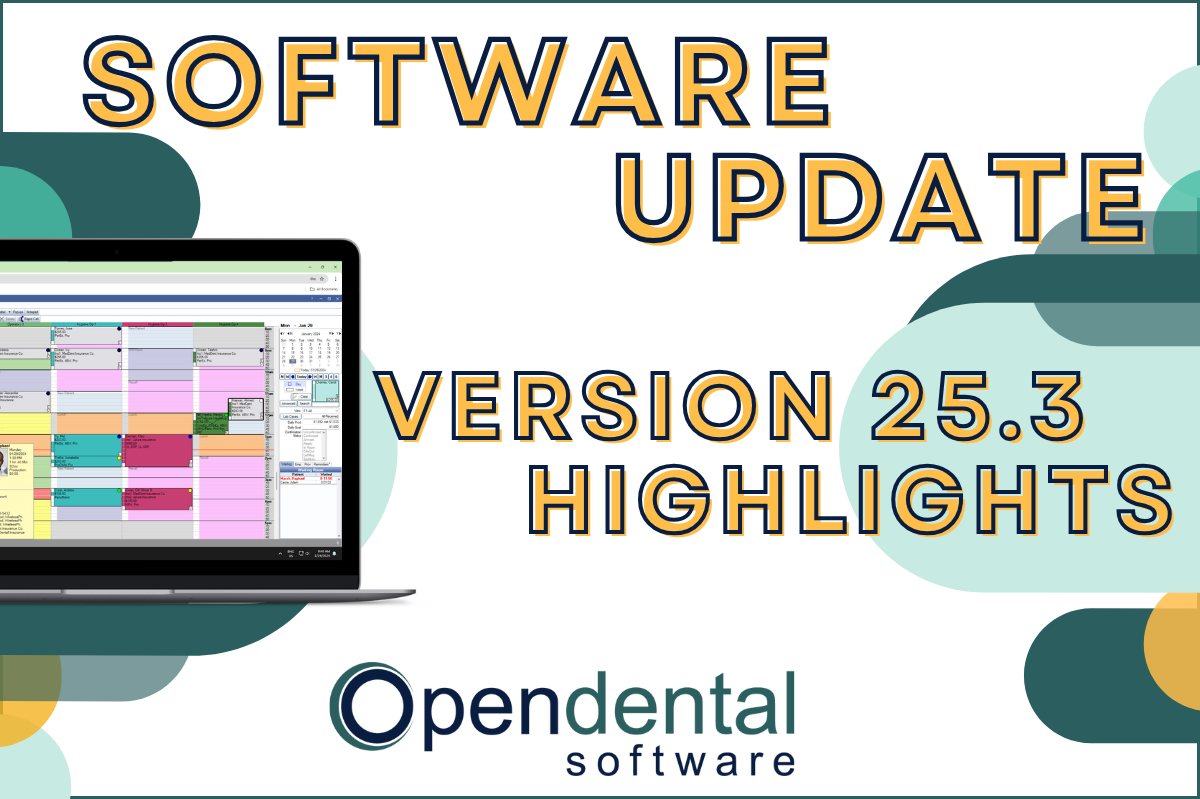 Read more: Software Update: Stable Version 25.3 Highlights
Software Update: Stable Version 25.3 Highlights
Open Dental Version 25.3 has been released as Stable! Our latest blog post goes into some of the highlights from this version, including a few user feature requests!
-

Choosing the Best Setup for Your Multi-Location Practice
Read more: Choosing the Best Setup for Your Multi-Location PracticeThere are several ways to set up Open Dental for your multi-location practice. In this post, we’ll explore the different options and what makes a setup the right fit for your practice.
-

Feature Highlight: Patient Dashboard
Read more: Feature Highlight: Patient DashboardLearn about Patient Dashboard, a customizable view of patients’ basic information that displays on the right side of Open Dental in all modules.
-

3 Tools to Prevent “Sucktember”
Read more: 3 Tools to Prevent “Sucktember”September doesn’t have to be “Sucktember.” These 3 kinds of tools in Open Dental will have you falling in love with fall again.
-

New Features Highlight: Imaging Module – Part 2
Read more: New Features Highlight: Imaging Module – Part 2We’ve covered the imaging module before, but in this part 2 post, we’ll cover some exciting new features that you won’t want to miss!
Guest Posts
Read content written by featured third-party guest writers.
-
 Read more: AI Dental Software: What Actually Works in Modern Dental Practices
AI Dental Software: What Actually Works in Modern Dental Practices
Staff shortages, endless charting, patients who zone out mid-explanation. These are real problems. AI dental software is quietly solving them. Here’s what it does, what it doesn’t, and how to know if it’s right for your practice.
-
 Read more: Why Cyber Insurance Is Critical for Protecting Your Dental Practice
Why Cyber Insurance Is Critical for Protecting Your Dental Practice
You have insurance that protects the physical assets in your practice, but do you have cyber insurance to protect you against a cyber attack? Read more about how to more fully protect your practice.
-
 Read more: Growing Your Practice in 2020
Growing Your Practice in 2020
See how Klein Family Dentistry used the shutdown as an opportunity to do a “checkup” of their dental practice, and how it can help you do the same so you can grow and thrive in any circumstances.
-
 Read more: Essential Requirements for Your Disaster Recovery Data Center
Essential Requirements for Your Disaster Recovery Data Center
Cyberattacks are on the rise, with increasing numbers targeting small dental practices. What do you need from your practice’s disaster recovery data center?
-
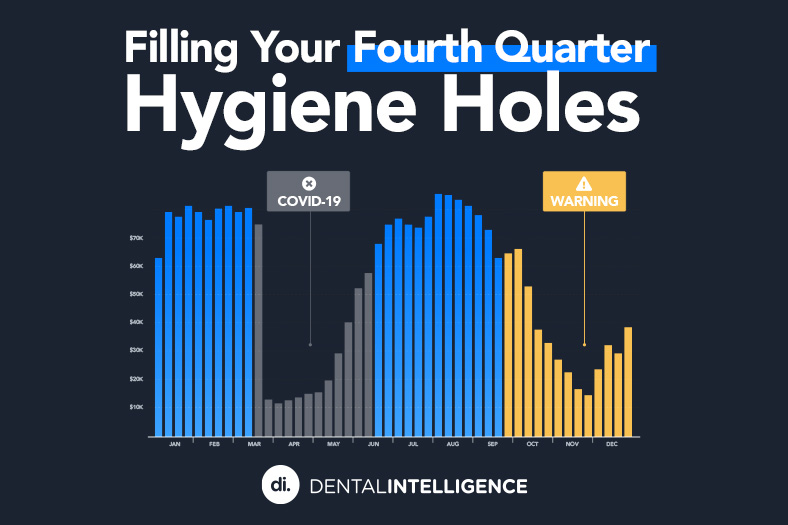 Read more: Filling Your 4th Quarter Hygiene Holes
Filling Your 4th Quarter Hygiene Holes
With the heavy volume coming through practice doors right now, you may not be thinking about what’s (not) scheduled 2-3 months from now. Take control of your 4th quarter schedule with the action plan in this post.
-
 Read more: Expect Extra Value from Your Payment Processing Partner
Expect Extra Value from Your Payment Processing Partner
When deciding on a payment processing partner, look beyond payment features to find additional value, like those outlined in this post.