
-
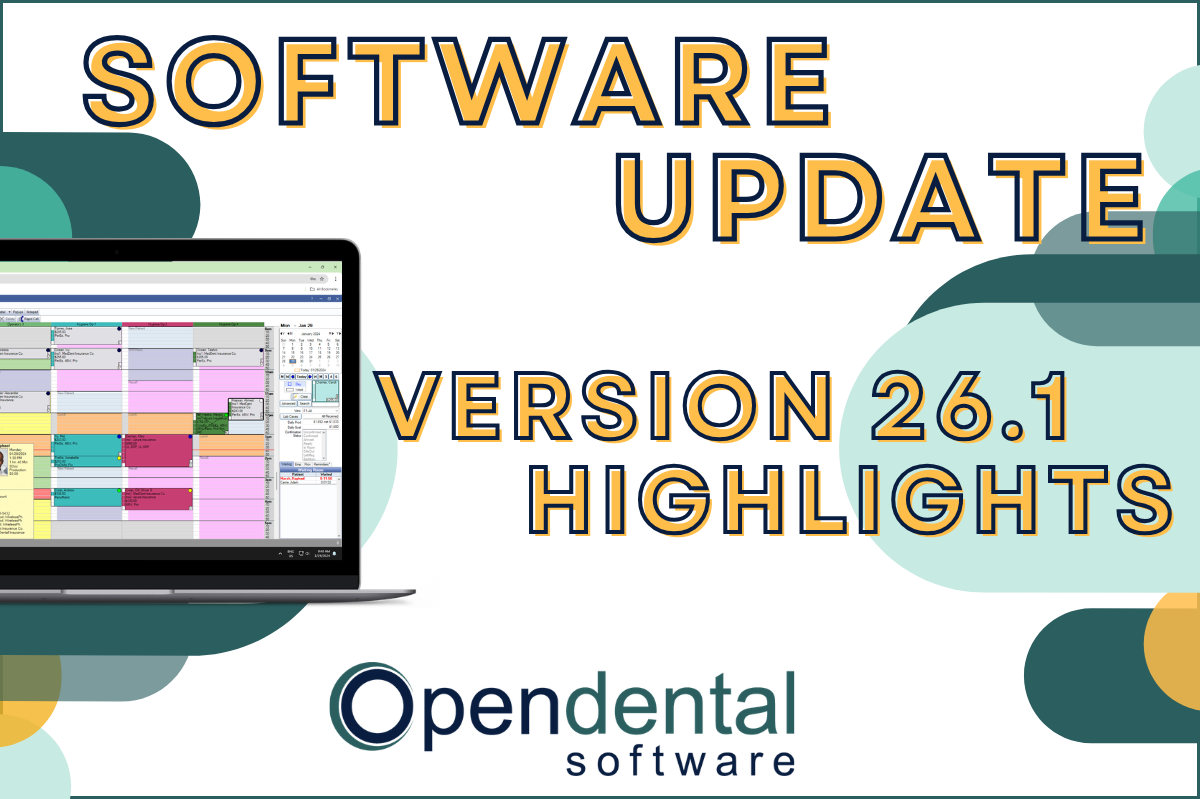 Read more: Software Update: Stable Version 26.1 Highlights
Software Update: Stable Version 26.1 Highlights
Open Dental 26.1 is now stable! New features include ODTouch 25, custom insurance history categories, HTML billing emails, and much more.
-

Choosing the Best Setup for Your Multi-Location Practice
Read more: Choosing the Best Setup for Your Multi-Location PracticeThere are several ways to set up Open Dental for your multi-location practice. In this post, we’ll explore the different options and what makes a setup the right fit for your practice.
-

Feature Highlight: Patient Dashboard
Read more: Feature Highlight: Patient DashboardLearn about Patient Dashboard, a customizable view of patients’ basic information that displays on the right side of Open Dental in all modules.
-

3 Tools to Prevent “Sucktember”
Read more: 3 Tools to Prevent “Sucktember”September doesn’t have to be “Sucktember.” These 3 kinds of tools in Open Dental will have you falling in love with fall again.
-

New Features Highlight: Imaging Module – Part 2
Read more: New Features Highlight: Imaging Module – Part 2We’ve covered the imaging module before, but in this part 2 post, we’ll cover some exciting new features that you won’t want to miss!
Guest Posts
Read content written by featured third-party guest writers.
-
 Read more: How DentalXChange’s Eligibility AI Is Getting Smarter
How DentalXChange’s Eligibility AI Is Getting Smarter
Manual eligibility checks are slow and error-prone. DentalXChange’s Eligibility AI now writes verified benefit data directly into your system, no retyping required.
-
 Read more: Cybersecurity for Dental Practices: Protecting Patient Data and Your Reputation
Cybersecurity for Dental Practices: Protecting Patient Data and Your Reputation
The shift towards digital dentistry brings new challenges in the form of cybersecurity risks. Learn best practices to ensure the safety of your patient’s data and your reputation.
-
 Read more: The Latest Trends in Dental Staffing: Adapting to a Changing Landscape
The Latest Trends in Dental Staffing: Adapting to a Changing Landscape
Are you keeping up with how dental staffing is evolving? Learn new ways to attract and retain top talent in a competitive landscape.
-
 Read more: Should Dentists Use PPC or Google Local Services Ads?
Should Dentists Use PPC or Google Local Services Ads?
Should you use Pay Per Click (PPC) or Local Service Ads (LSA) to promote your practice? Say yes to both and supercharge your dental marketing.
-
 Read more: How to handle a dental patient who has a problem with their bill
How to handle a dental patient who has a problem with their bill
When a patient is upset about their bill, these tips can help you address their concerns to build great relationships and boost your income.
-
 Read more: What Small Business Owners Can Do When Inflation is High
What Small Business Owners Can Do When Inflation is High
Take these proactive measures to minimize inflation’s impact on your business and maintain your bottom line.