
-
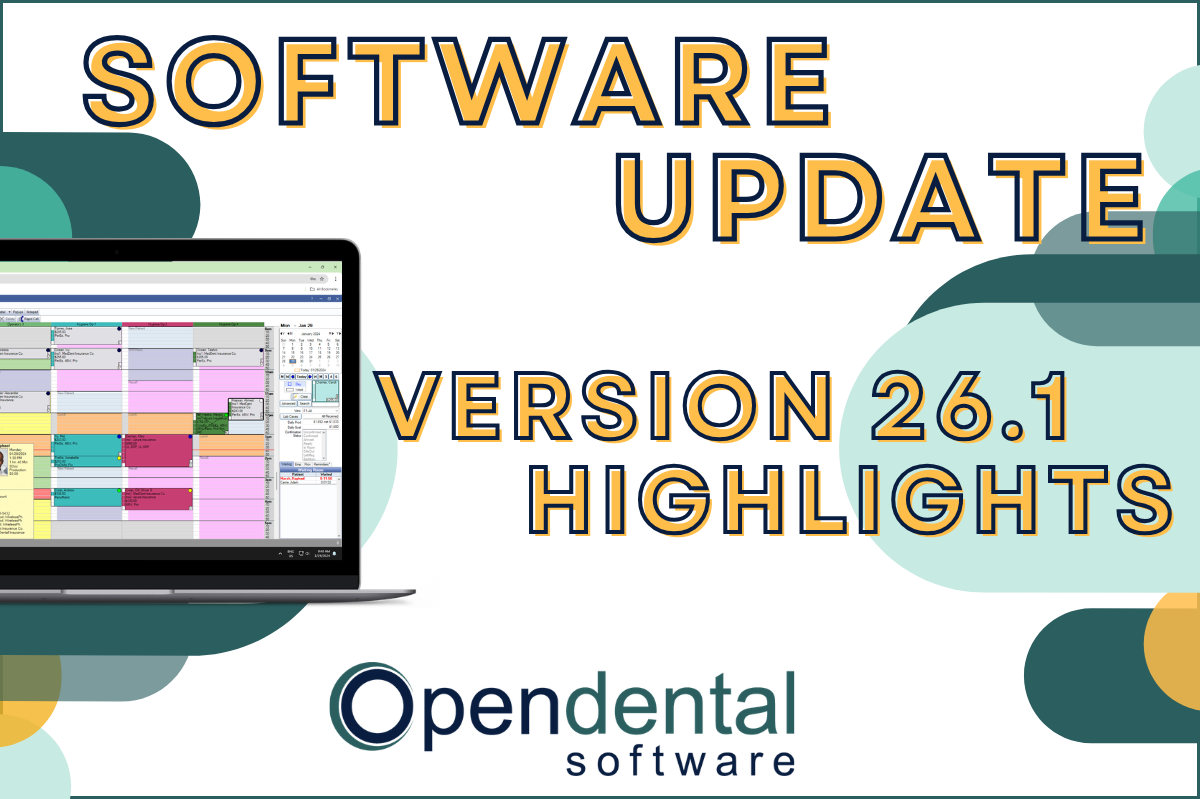 Read more: Software Update: Stable Version 26.1 Highlights
Software Update: Stable Version 26.1 Highlights
Open Dental 26.1 is now stable! New features include ODTouch 25, custom insurance history categories, HTML billing emails, and much more.
-

Choosing the Best Setup for Your Multi-Location Practice
Read more: Choosing the Best Setup for Your Multi-Location PracticeThere are several ways to set up Open Dental for your multi-location practice. In this post, we’ll explore the different options and what makes a setup the right fit for your practice.
-

Feature Highlight: Patient Dashboard
Read more: Feature Highlight: Patient DashboardLearn about Patient Dashboard, a customizable view of patients’ basic information that displays on the right side of Open Dental in all modules.
-

3 Tools to Prevent “Sucktember”
Read more: 3 Tools to Prevent “Sucktember”September doesn’t have to be “Sucktember.” These 3 kinds of tools in Open Dental will have you falling in love with fall again.
-

New Features Highlight: Imaging Module – Part 2
Read more: New Features Highlight: Imaging Module – Part 2We’ve covered the imaging module before, but in this part 2 post, we’ll cover some exciting new features that you won’t want to miss!
Guest Posts
Read content written by featured third-party guest writers.
-
 Read more: How DentalXChange’s Eligibility AI Is Getting Smarter
How DentalXChange’s Eligibility AI Is Getting Smarter
Manual eligibility checks are slow and error-prone. DentalXChange’s Eligibility AI now writes verified benefit data directly into your system, no retyping required.
-
 Read more: Revamping Tech for Business Success: 5 Perils of Using Outmoded Technology
Revamping Tech for Business Success: 5 Perils of Using Outmoded Technology
Maintaining updated technology is crucial for business success. Learn the five perils of using outmoded technology in this post.
-
 Read more: Data Backup to Best Weather the Worst Weather
Data Backup to Best Weather the Worst Weather
Make sure your data backup plan is ready for all kinds of threats: Employee error, cyber criminals, and even mother nature’s tantrums.
-
 Read more: How To Build a Business Budget: 6 Easy Steps
How To Build a Business Budget: 6 Easy Steps
If the thought of creating a practice budget makes you squirm, we’re here for you! Lay the foundation to reach your goals with these 6 steps.
-
 Read more: 4 Proof Points that Your Dental Practice is Ready for ePrescribing
4 Proof Points that Your Dental Practice is Ready for ePrescribing
As your dental practice evolves to meet patient needs and growth goals, here are the indicators that your practice is ready for ePrescribing.
-
 Read more: 3 steps to explain dental insurance coverage to a patient successfully
3 steps to explain dental insurance coverage to a patient successfully
Take these three steps to explain dental insurance coverage to your patients and make sure you “Inform before you perform”.