
Category: Using Open Dental
-
Get to Know the “Patients-Raw” Report
Read more: Get to Know the “Patients-Raw” ReportSometimes you want to pull a quick set of patient data out of Open Dental. See how the Patients-Raw report may be just what you need.
-
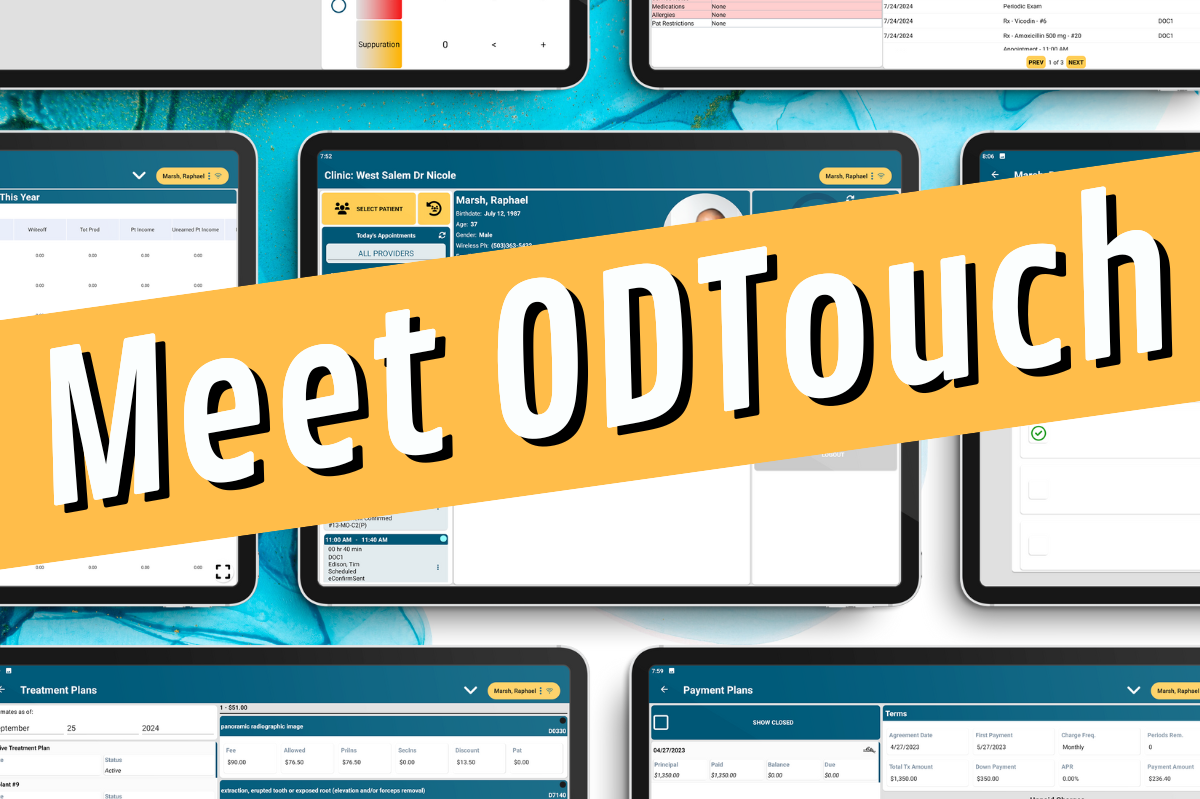
Meet ODTouch
Read more: Meet ODTouchMeet Open Dental’s new eService app, ODTouch. Use the app as your clinical tool to complete tasks, like charting, scheduling, treatment planning, and more, from the convenience of a tablet.
-
Best Practices for Allocating Patient Payments
Read more: Best Practices for Allocating Patient PaymentsLearn how to allocate patient payments to the correct family members, procedures, or adjustments, so patient balances & reports are accurate.
-

Employee Spotlight: Blake
Read more: Employee Spotlight: BlakeIn our continuing Employee Spotlight series, we introduce Blake, whose hard work and dedication have truly made a difference in our organization.
-
Presenting and Managing Treatment Options
Read more: Presenting and Managing Treatment OptionsThere are many reasons why a patient delays, declines, or stops treatment. Learn how to efficiently present and manage treatment options.
-
Multiple Locations: Clinic Flow and Logic
Read more: Multiple Locations: Clinic Flow and LogicYou’ve set up Clinics, and you’re ready to see patients. Learn best practices for managing patient flow, no matter where they receive treatment.
-
Multiple Locations: Clinics Setup
Read more: Multiple Locations: Clinics SetupIf you’ve decided to use the Clinics feature, don’t miss the setup steps in this post to help you efficiently manage all of your locations.
-
Finding Practice Management Software that Fits
Read more: Finding Practice Management Software that FitsYour Dental Practice Management Software decision will affect your practice and your patients in both the short- and long-term. Find the right fit with the tips in this post.
-

Installing Open Dental on Additional Workstations
Read more: Installing Open Dental on Additional WorkstationsInstalling Open Dental on additional workstations is a simple process. These prerequisites will ensure your installation goes smoothly, and the post-install steps will allow the new user to hit the ground running!
-
Employee Spotlight: Mark
Read more: Employee Spotlight: MarkIn our continuing Employee Spotlight series, we introduce Mark, whose hard work and dedication have truly made a difference in our organization.
Posts by Category
- About Open Dental
- Analytics
- Communication
- Compliance
- eRx
- Growth and Marketing
- Guest Content
- Health and Wellness
- IT, Tech, and Data
- Miscellaneous
- Open Dental Feature Highlights
- Open Dental Version Release
- Patient Retention and Scheduling
- Revenue Cycle
- Staffing and Retention
- Training and Education
- Using Open Dental