
-
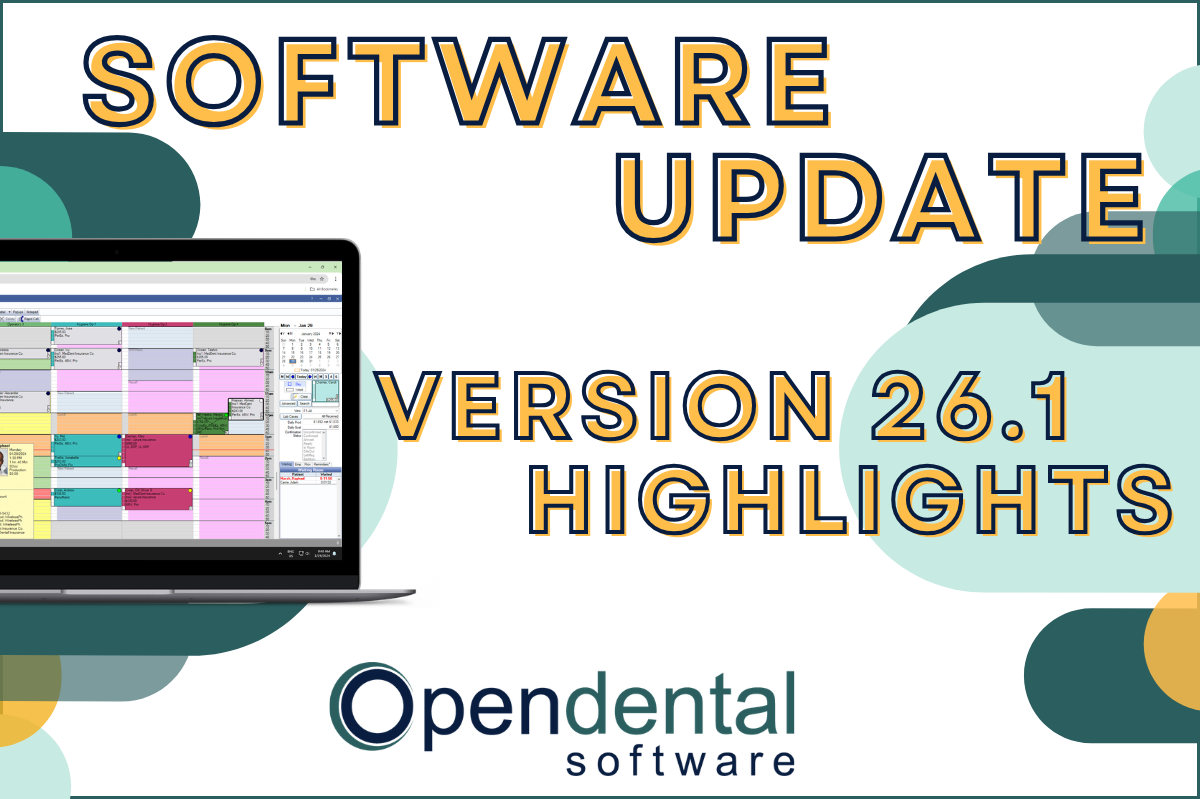 Read more: Software Update: Stable Version 26.1 Highlights
Software Update: Stable Version 26.1 Highlights
Open Dental 26.1 is now stable! New features include ODTouch 25, custom insurance history categories, HTML billing emails, and much more.
-

Open Dental Through the Years
Read more: Open Dental Through the YearsOpen Dental has grown and changed a lot over the years. See our historical timeline, how the program has evolved, and what’s next.
-

New Ortho Features in 22.2
Read more: New Ortho Features in 22.2If your practice offers orthodontic services, we have some exciting new features to show you in Version 22.2!
-

Bring Patients Back with the Reactivation List
Read more: Bring Patients Back with the Reactivation ListWant to reach out to patients who haven’t been in the office for a while? The Reactivation List is here to help!
-

Creating Harmony Between the Front and Back Office
Read more: Creating Harmony Between the Front and Back OfficeLearn four ways to better utilize Open Dental and create harmony between your front and back office staff.
Guest Posts
Read content written by featured third-party guest writers.
-
 Read more: How DentalXChange’s Eligibility AI Is Getting Smarter
How DentalXChange’s Eligibility AI Is Getting Smarter
Manual eligibility checks are slow and error-prone. DentalXChange’s Eligibility AI now writes verified benefit data directly into your system, no retyping required.
-
 Read more: Get ready to rise! 3 hurdles overcome by successful emerging dental groups
Get ready to rise! 3 hurdles overcome by successful emerging dental groups
We examine the three important hurdles faced by emerging dental groups of 5 to 20 dental practices, and how to surmount them.
-
 Read more: The Benefits of Automating Dental Claims Processing
The Benefits of Automating Dental Claims Processing
Learn how automating dental claims processing can benefit your practice and have a direct impact on your bottom line.
-
 Read more: Navigating the Future of Dental Imaging: On-Premises vs Cloud Solutions
Navigating the Future of Dental Imaging: On-Premises vs Cloud Solutions
As advancements in the dental sector unfold, we assess the merits and drawbacks of on-premise and cloud-based imaging platforms.
-
 Read more: Top Reasons Your Business Loses Data and What Data Recovery Software Can Do For You
Top Reasons Your Business Loses Data and What Data Recovery Software Can Do For You
Data loss can be catastrophic for your business. Learn the main causes of data loss, and how data recovery software can protect your practice.
-
 Read more: Controlled Substances: Using a PDMP at the Point of Care
Controlled Substances: Using a PDMP at the Point of Care
Learn more about PDMPs – how they help facilitate open communication with your patients so you can ePrescribe responsibly.