
-
 Read more: Software Update: Stable Version 25.4 Highlights
Software Update: Stable Version 25.4 Highlights
Open Dental 25.4 is live and packed with updates. From OCR on eClipboard that auto-fills patient insurance info, to a Clerri integration for in-house membership plans, there’s a lot to explore, including 11 features requested directly by users.
-

Take Note: The Different Ways We Enter Notes in Open Dental
Read more: Take Note: The Different Ways We Enter Notes in Open DentalThere are many ways to take notes in Open Dental. We’ll discuss creating templates, recording clinical notes, notes on patient communication, accounting, security, and more!
-

Presenting and Managing Treatment Options
Read more: Presenting and Managing Treatment OptionsThere are many reasons why a patient delays, declines, or stops treatment. Learn how to efficiently present and manage treatment options.
-

Multiple Locations: Clinic Flow and Logic
Read more: Multiple Locations: Clinic Flow and LogicYou’ve set up Clinics, and you’re ready to see patients. Learn best practices for managing patient flow, no matter where they receive treatment.
-

Multiple Locations: Clinics Setup
Read more: Multiple Locations: Clinics SetupIf you’ve decided to use the Clinics feature, don’t miss the setup steps in this post to help you efficiently manage all of your locations.
Guest Posts
Read content written by featured third-party guest writers.
-
 Read more: Why Your Open Dental Practice Deserves a Better Membership Experience
Why Your Open Dental Practice Deserves a Better Membership Experience
Managing membership plans across disconnected systems slows your team down. Here’s how Clerri, a native Open Dental integration, changes the experience for staff and patients.
-
 Read more: Whose Data Is It Anyway? – The Best Ransomware Protection Guide
Whose Data Is It Anyway? – The Best Ransomware Protection Guide
As a business housing swaths of information, your greatest asset may also be a hacker’s biggest target. The best protection against the rising tide of ransomware begins here.
-
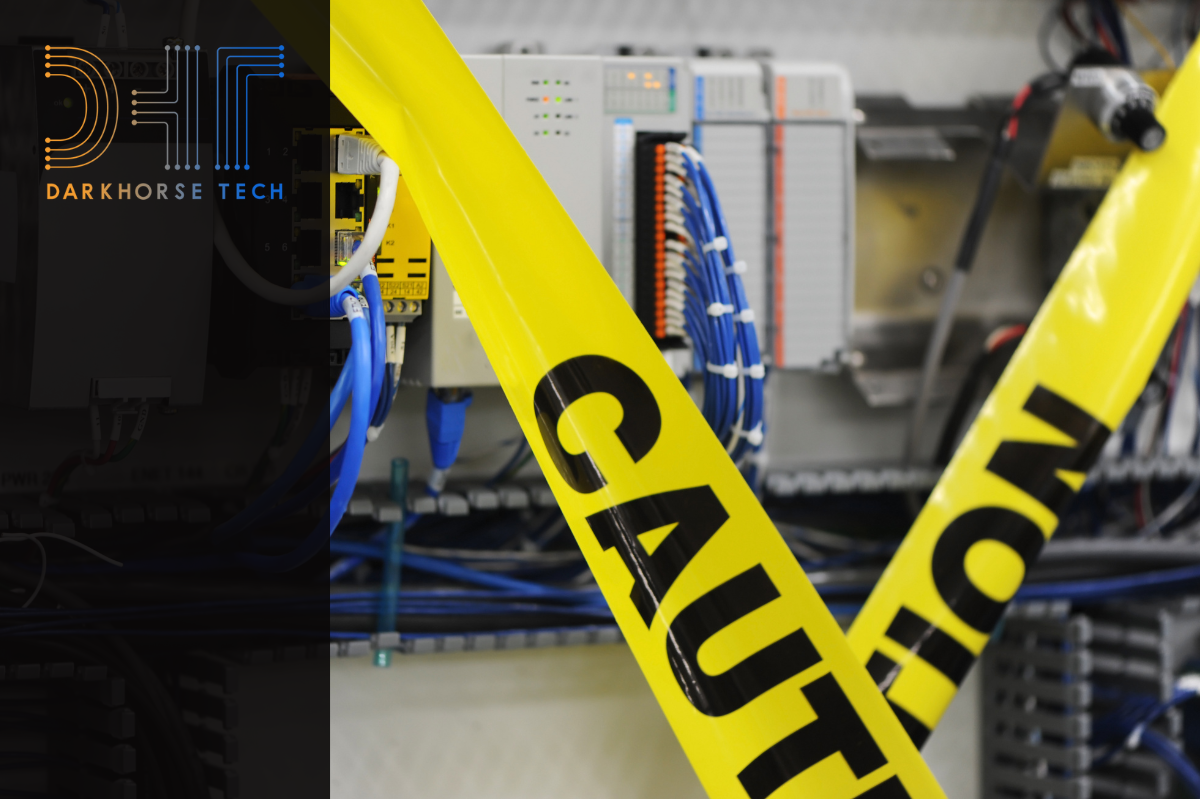 Read more: What NOT To Do With a Server
What NOT To Do With a Server
The server is of the utmost importance to your Dental practice. Get best practices for your server-based network in this post.
-
 Read more: 6 Strategies for Building a Patient-Centric Payment Process
6 Strategies for Building a Patient-Centric Payment Process
Providing a patient-centric financial experience is crucial to the success of your practice. Here are a few areas to focus on whether you are just getting started or looking to fine-tune your processes.
-
 Read more: Dental Website Not Ranking Well? Here’s What You Should Know
Dental Website Not Ranking Well? Here’s What You Should Know
How can you ensure that your website doesn’t get lost in the crowd of online search results? Here are some things you can do to stand out.
-
 Read more: Dental billing training: Why is it necessary?
Dental billing training: Why is it necessary?
Dental billing training for your administrative team impacts cash flow and revenue. Learn what training your team needs, and how to tap into training resources.