
-
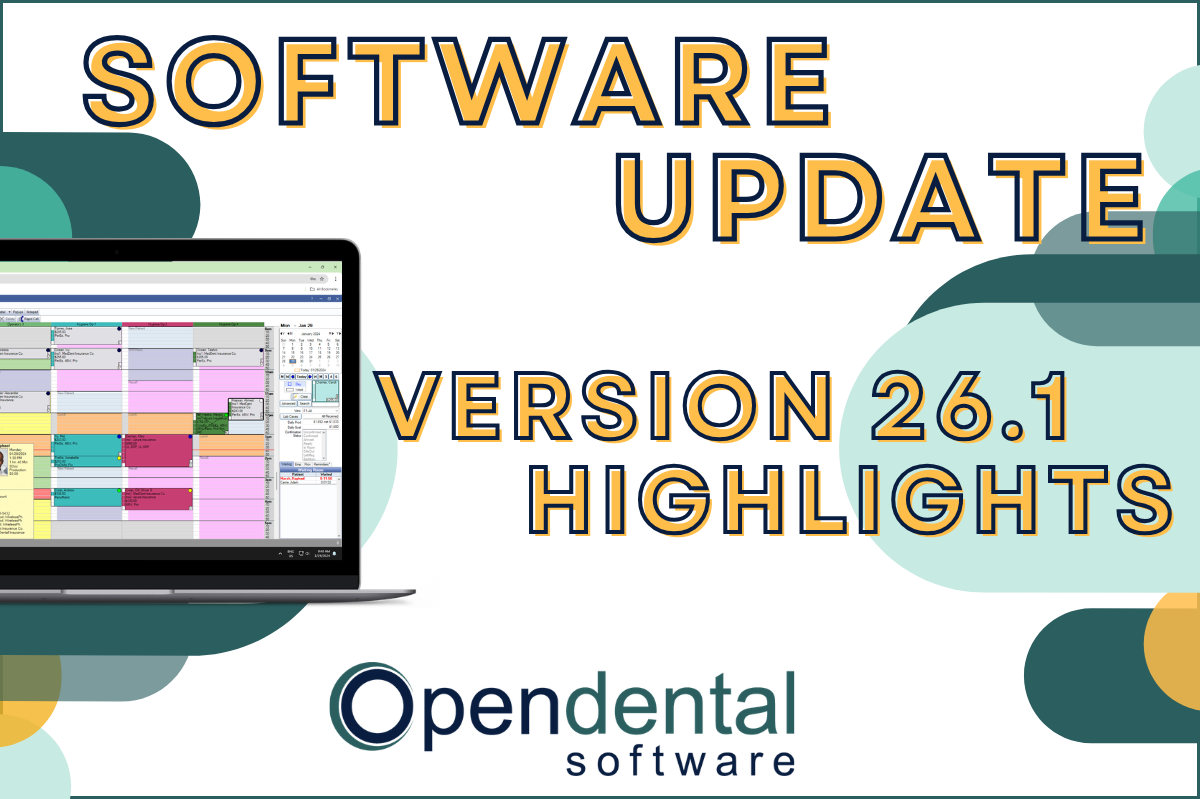 Read more: Software Update: Stable Version 26.1 Highlights
Software Update: Stable Version 26.1 Highlights
Open Dental 26.1 is now stable! New features include ODTouch 25, custom insurance history categories, HTML billing emails, and much more.
-

Open Dental Tools to Boost Efficiency and Productivity
Read more: Open Dental Tools to Boost Efficiency and ProductivityWith more on your plate than ever before, we’re here with five types of tools you can start using today to boost efficiency and productivity.
-

Finding Practice Management Software that Fits
Read more: Finding Practice Management Software that FitsYour Dental Practice Management Software decision will affect your practice and your patients in both the short- and long-term. Find the right fit with the tips in this post.
-

Feature Highlight: Blue Book
Read more: Feature Highlight: Blue BookThe Blue Book feature in Open Dental can help make treatment plan estimates more accurate for your patients on out-of-network plans. Learn how to enable and use this feature.
-

Open Dental Reports and Queries
Read more: Open Dental Reports and QueriesLearn about Open Dental’s standard reports and user queries that allow you to pull the data you need to manage your practice effectively.
Guest Posts
Read content written by featured third-party guest writers.
-
 Read more: How DentalXChange’s Eligibility AI Is Getting Smarter
How DentalXChange’s Eligibility AI Is Getting Smarter
Manual eligibility checks are slow and error-prone. DentalXChange’s Eligibility AI now writes verified benefit data directly into your system, no retyping required.
-
 Read more: Top 6 Benefits to Consider Managing Financial Services
Top 6 Benefits to Consider Managing Financial Services
Learn the top 6 benefits your practice can realize when you partner with the right dental merchant services provider.
-
 Read more: Revamping Tech for Business Success: 5 Perils of Using Outmoded Technology
Revamping Tech for Business Success: 5 Perils of Using Outmoded Technology
Maintaining updated technology is crucial for business success. Learn the five perils of using outmoded technology in this post.
-
 Read more: Data Backup to Best Weather the Worst Weather
Data Backup to Best Weather the Worst Weather
Make sure your data backup plan is ready for all kinds of threats: Employee error, cyber criminals, and even mother nature’s tantrums.
-
 Read more: How To Build a Business Budget: 6 Easy Steps
How To Build a Business Budget: 6 Easy Steps
If the thought of creating a practice budget makes you squirm, we’re here for you! Lay the foundation to reach your goals with these 6 steps.
-
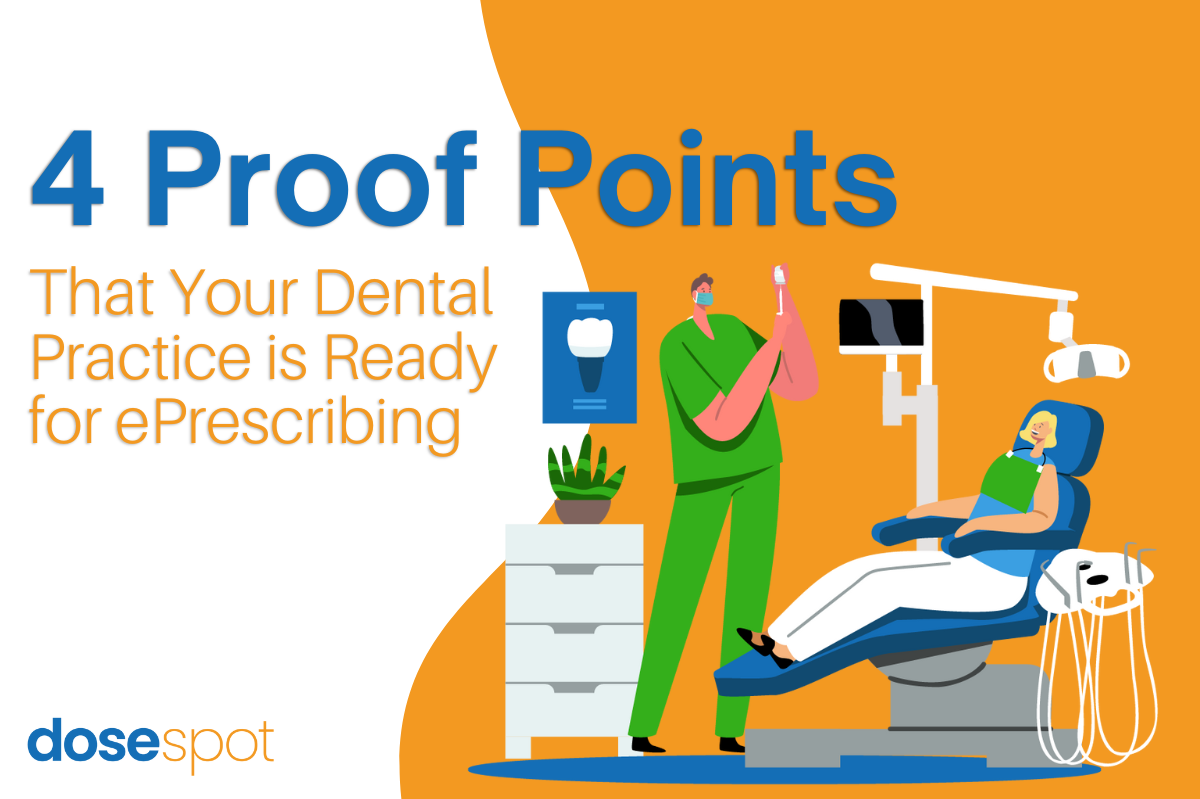 Read more: 4 Proof Points that Your Dental Practice is Ready for ePrescribing
4 Proof Points that Your Dental Practice is Ready for ePrescribing
As your dental practice evolves to meet patient needs and growth goals, here are the indicators that your practice is ready for ePrescribing.