
-
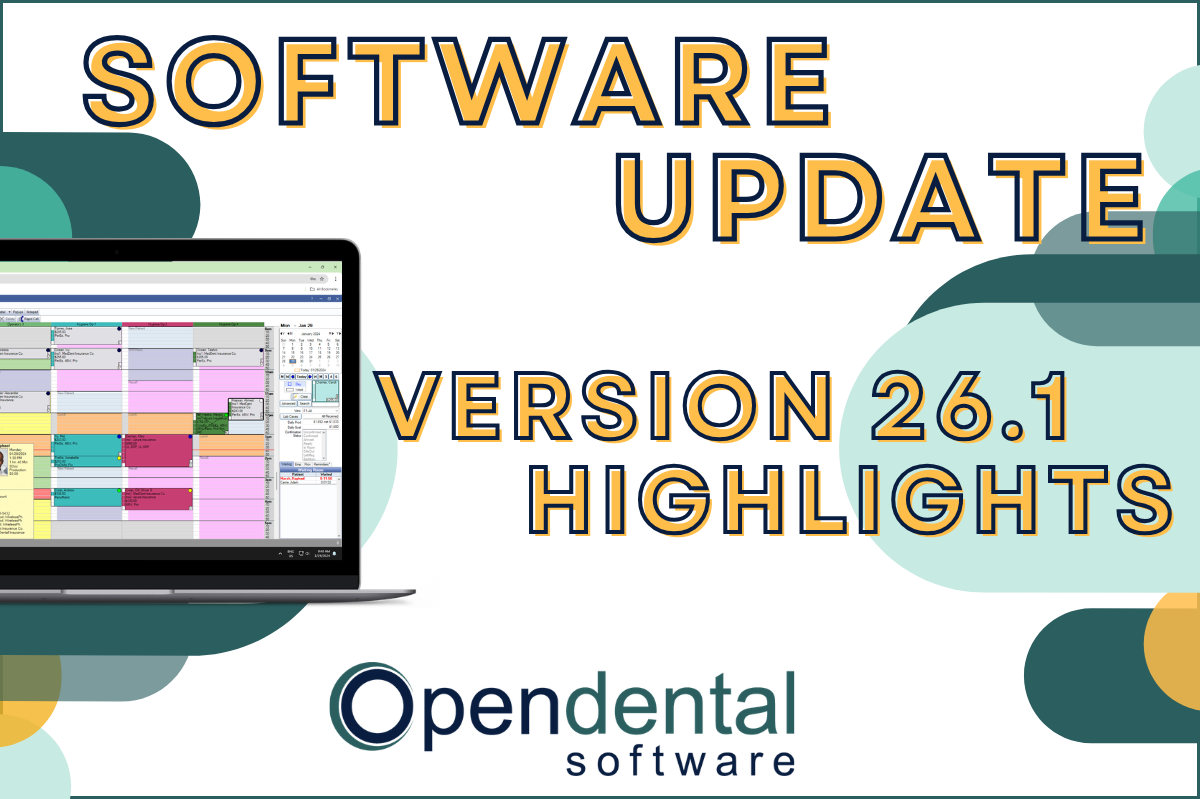 Read more: Software Update: Stable Version 26.1 Highlights
Software Update: Stable Version 26.1 Highlights
Open Dental 26.1 is now stable! New features include ODTouch 25, custom insurance history categories, HTML billing emails, and much more.
-

Multiple Locations: Introduction to the Clinics Feature
Read more: Multiple Locations: Introduction to the Clinics FeatureThe Clinics feature in Open Dental allows you to manage your entire multi-clinic dental organization while allowing customization for each practice. Follow the link in our bio to learn more about the feature and if it’s right for you.
-

Open Dental Tools to Boost Efficiency and Productivity
Read more: Open Dental Tools to Boost Efficiency and ProductivityWith more on your plate than ever before, we’re here with five types of tools you can start using today to boost efficiency and productivity.
-

Finding Practice Management Software that Fits
Read more: Finding Practice Management Software that FitsYour Dental Practice Management Software decision will affect your practice and your patients in both the short- and long-term. Find the right fit with the tips in this post.
-

Feature Highlight: Blue Book
Read more: Feature Highlight: Blue BookThe Blue Book feature in Open Dental can help make treatment plan estimates more accurate for your patients on out-of-network plans. Learn how to enable and use this feature.
Guest Posts
Read content written by featured third-party guest writers.
-
 Read more: How DentalXChange’s Eligibility AI Is Getting Smarter
How DentalXChange’s Eligibility AI Is Getting Smarter
Manual eligibility checks are slow and error-prone. DentalXChange’s Eligibility AI now writes verified benefit data directly into your system, no retyping required.
-
 Read more: Avoiding Black Hat Dental Marketing: 5 Things to Watch Out For
Avoiding Black Hat Dental Marketing: 5 Things to Watch Out For
“Black hat” dental marketing companies will take your money without delivering results or, worse, damage your practice’s online reputation in the pursuit of short-term success. Learn how to avoid them, and drive your marketing strategy forward the right way.
-
 Read more: Keeping Your Staff Happy and Motivated
Keeping Your Staff Happy and Motivated
The key to a thriving dental practice is prioritizing the well-being of your staff. Learn some key strategies right here.
-
 Read more: Revenue cycle management 101: What it means and how it can affect your dental business
Revenue cycle management 101: What it means and how it can affect your dental business
Revenue Cycle Management is complex, yet critical to the financial health of your dental practice. In this article, we break down the basics.
-
 Read more: How Online Reviews Help You Grow Your Practice
How Online Reviews Help You Grow Your Practice
Learn why online reviews are crucial for dental practices and get tips to help you collect more reviews and grow your online presence.
-
 Read more: Small Business Guide: What is Inflation and What You Can Do About It
Small Business Guide: What is Inflation and What You Can Do About It
Inflation can take the challenges of running a small business and kick them up a notch. Learn some strategies to help offset the impact.