
Open Dental
-

Feature Highlight: Code Groups
Read more: Feature Highlight: Code GroupsOver the last few versions of Open Dental, we’ve implemented a new feature called Code Groups. These allow for more flexibility and customization of Frequency Limitations and Age Limits in insurance plans.
-

Employee Spotlight: Blake
Read more: Employee Spotlight: BlakeIn our continuing Employee Spotlight series, we introduce Blake, whose hard work and dedication have truly made a difference in our organization.
-
Take Note: The Different Ways We Enter Notes in Open Dental
Read more: Take Note: The Different Ways We Enter Notes in Open DentalThere are many ways to take notes in Open Dental. We’ll discuss creating templates, recording clinical notes, notes on patient communication, accounting, security, and more!
-
Presenting and Managing Treatment Options
Read more: Presenting and Managing Treatment OptionsThere are many reasons why a patient delays, declines, or stops treatment. Learn how to efficiently present and manage treatment options.
-
Multiple Locations: Clinic Flow and Logic
Read more: Multiple Locations: Clinic Flow and LogicYou’ve set up Clinics, and you’re ready to see patients. Learn best practices for managing patient flow, no matter where they receive treatment.
-
Multiple Locations: Clinics Setup
Read more: Multiple Locations: Clinics SetupIf you’ve decided to use the Clinics feature, don’t miss the setup steps in this post to help you efficiently manage all of your locations.
-
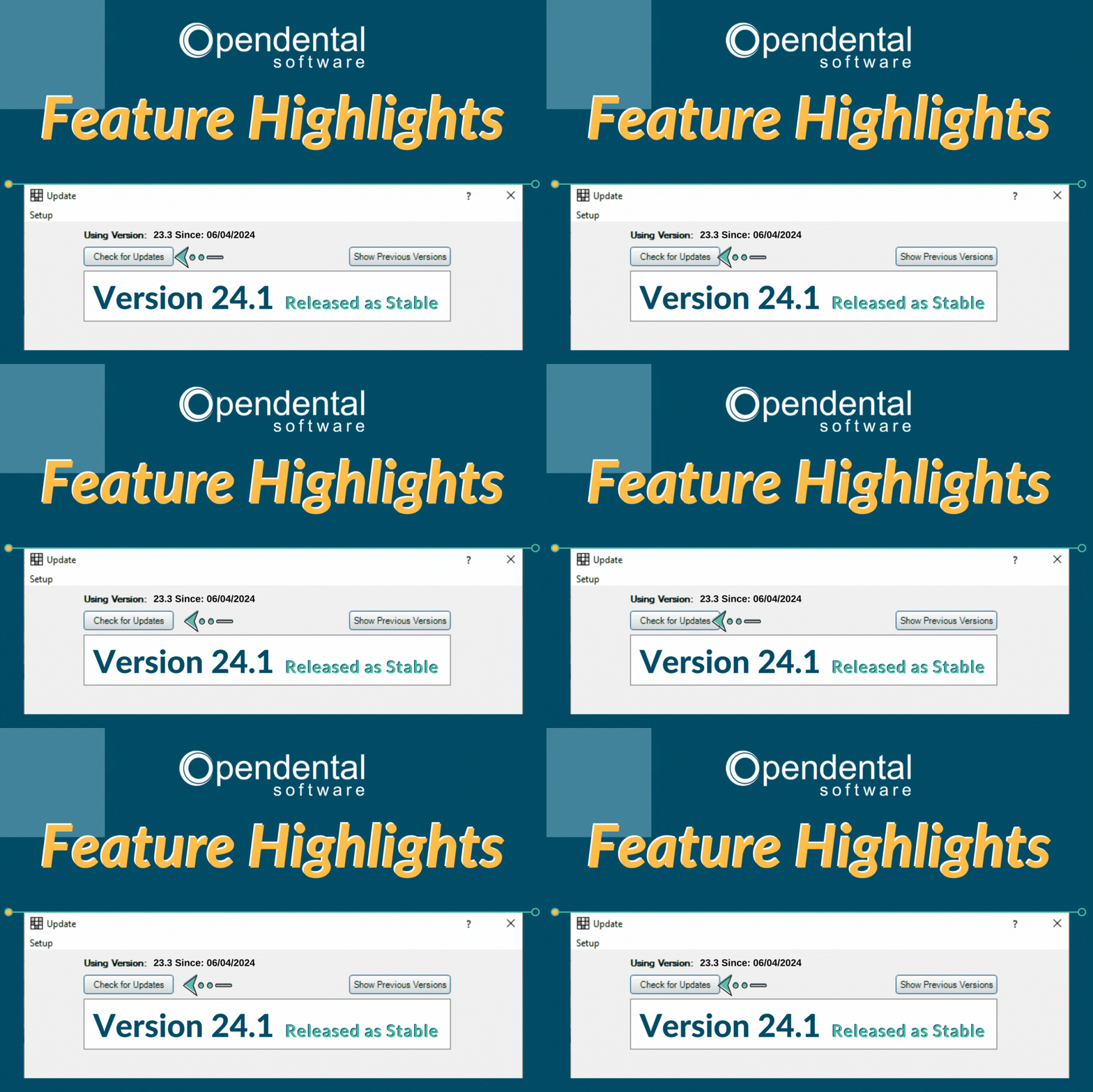
Software Update: Stable Version 24.1 Highlights
Read more: Software Update: Stable Version 24.1 HighlightsOpen Dental’s latest stable version 24.1 has been released as stable! Join us as we highlight the features in this version.
-
Multiple Locations: Introduction to the Clinics Feature
Read more: Multiple Locations: Introduction to the Clinics FeatureThe Clinics feature in Open Dental allows you to manage your entire multi-clinic dental organization while allowing customization for each practice. Follow the link in our bio to learn more about the feature and if it’s right for you.
-
Open Dental Tools to Boost Efficiency and Productivity
Read more: Open Dental Tools to Boost Efficiency and ProductivityWith more on your plate than ever before, we’re here with five types of tools you can start using today to boost efficiency and productivity.
-
Finding Practice Management Software that Fits
Read more: Finding Practice Management Software that FitsYour Dental Practice Management Software decision will affect your practice and your patients in both the short- and long-term. Find the right fit with the tips in this post.
Posts by Category
- About Open Dental
- Analytics
- Communication
- Compliance
- eRx
- Growth and Marketing
- Guest Content
- Health and Wellness
- IT, Tech, and Data
- Miscellaneous
- Open Dental Feature Highlights
- Open Dental Version Release
- Patient Retention and Scheduling
- Revenue Cycle
- Staffing and Retention
- Training and Education
- Using Open Dental