
-
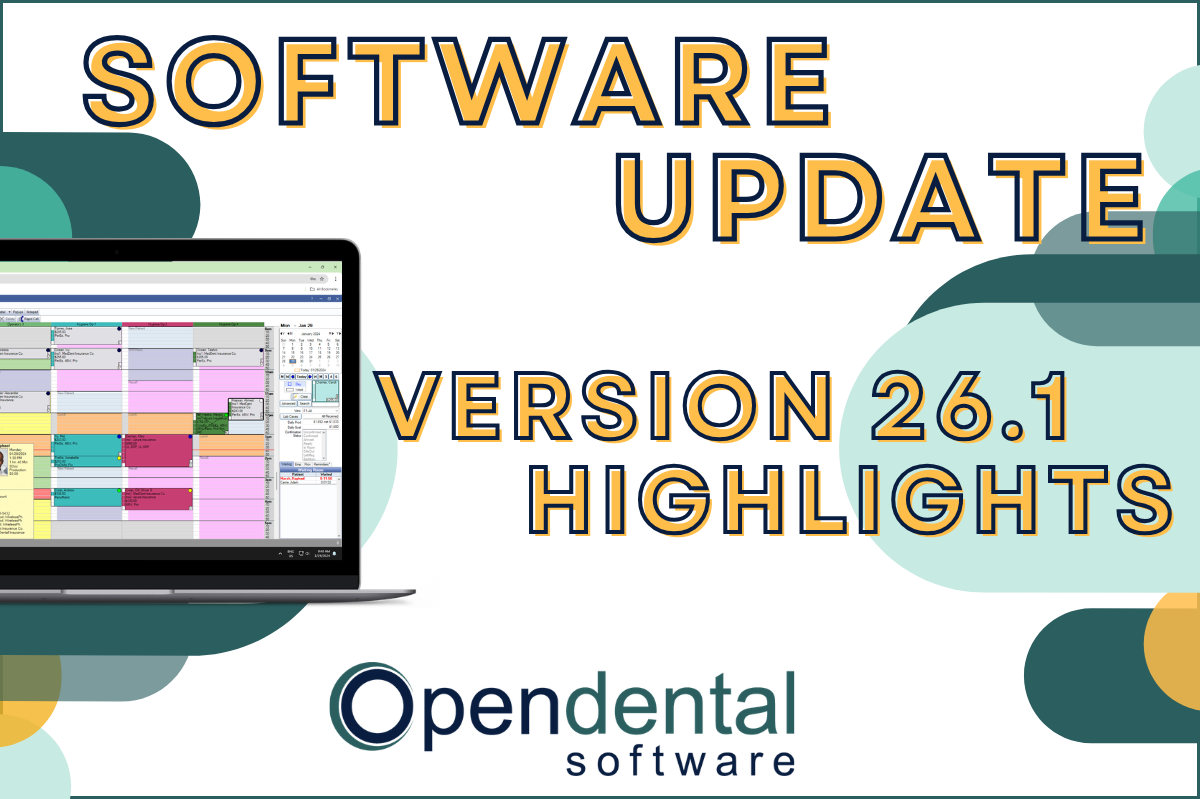 Read more: Software Update: Stable Version 26.1 Highlights
Software Update: Stable Version 26.1 Highlights
Open Dental 26.1 is now stable! New features include ODTouch 25, custom insurance history categories, HTML billing emails, and much more.
-

Multiple Locations: Introduction to the Clinics Feature
Read more: Multiple Locations: Introduction to the Clinics FeatureThe Clinics feature in Open Dental allows you to manage your entire multi-clinic dental organization while allowing customization for each practice. Follow the link in our bio to learn more about the feature and if it’s right for you.
-

Open Dental Tools to Boost Efficiency and Productivity
Read more: Open Dental Tools to Boost Efficiency and ProductivityWith more on your plate than ever before, we’re here with five types of tools you can start using today to boost efficiency and productivity.
-

Finding Practice Management Software that Fits
Read more: Finding Practice Management Software that FitsYour Dental Practice Management Software decision will affect your practice and your patients in both the short- and long-term. Find the right fit with the tips in this post.
-

Feature Highlight: Blue Book
Read more: Feature Highlight: Blue BookThe Blue Book feature in Open Dental can help make treatment plan estimates more accurate for your patients on out-of-network plans. Learn how to enable and use this feature.
Guest Posts
Read content written by featured third-party guest writers.
-
 Read more: How DentalXChange’s Eligibility AI Is Getting Smarter
How DentalXChange’s Eligibility AI Is Getting Smarter
Manual eligibility checks are slow and error-prone. DentalXChange’s Eligibility AI now writes verified benefit data directly into your system, no retyping required.
-
 Read more: COVID-19 Liability: Who Is Responsible When Someone Becomes Infected At Your Practice?
COVID-19 Liability: Who Is Responsible When Someone Becomes Infected At Your Practice?
Learn more about what your potential liability when a patient or employee claims to have been exposed to COVID-19 in your practice.
-
 Read more: Disaster Recovery Planning – what you need and why you need a disaster recovery data center
Disaster Recovery Planning – what you need and why you need a disaster recovery data center
A disaster recovery data center is an essential requirement of every disaster recovery plan to keep the business running in the event of an unexpected catastrophe.
-
 Read more: Why Cyber Insurance Is Critical for Protecting Your Dental Practice
Why Cyber Insurance Is Critical for Protecting Your Dental Practice
You have insurance that protects the physical assets in your practice, but do you have cyber insurance to protect you against a cyber attack? Read more about how to more fully protect your practice.
-
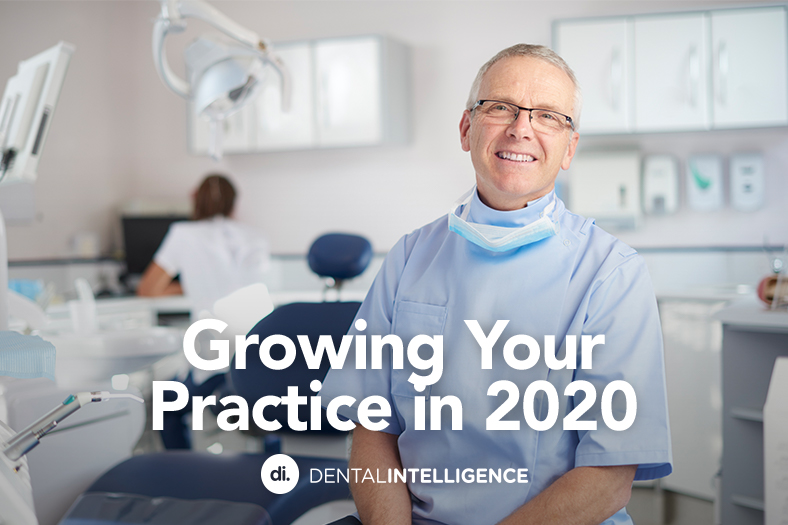 Read more: Growing Your Practice in 2020
Growing Your Practice in 2020
See how Klein Family Dentistry used the shutdown as an opportunity to do a “checkup” of their dental practice, and how it can help you do the same so you can grow and thrive in any circumstances.
-
 Read more: Essential Requirements for Your Disaster Recovery Data Center
Essential Requirements for Your Disaster Recovery Data Center
Cyberattacks are on the rise, with increasing numbers targeting small dental practices. What do you need from your practice’s disaster recovery data center?