
-
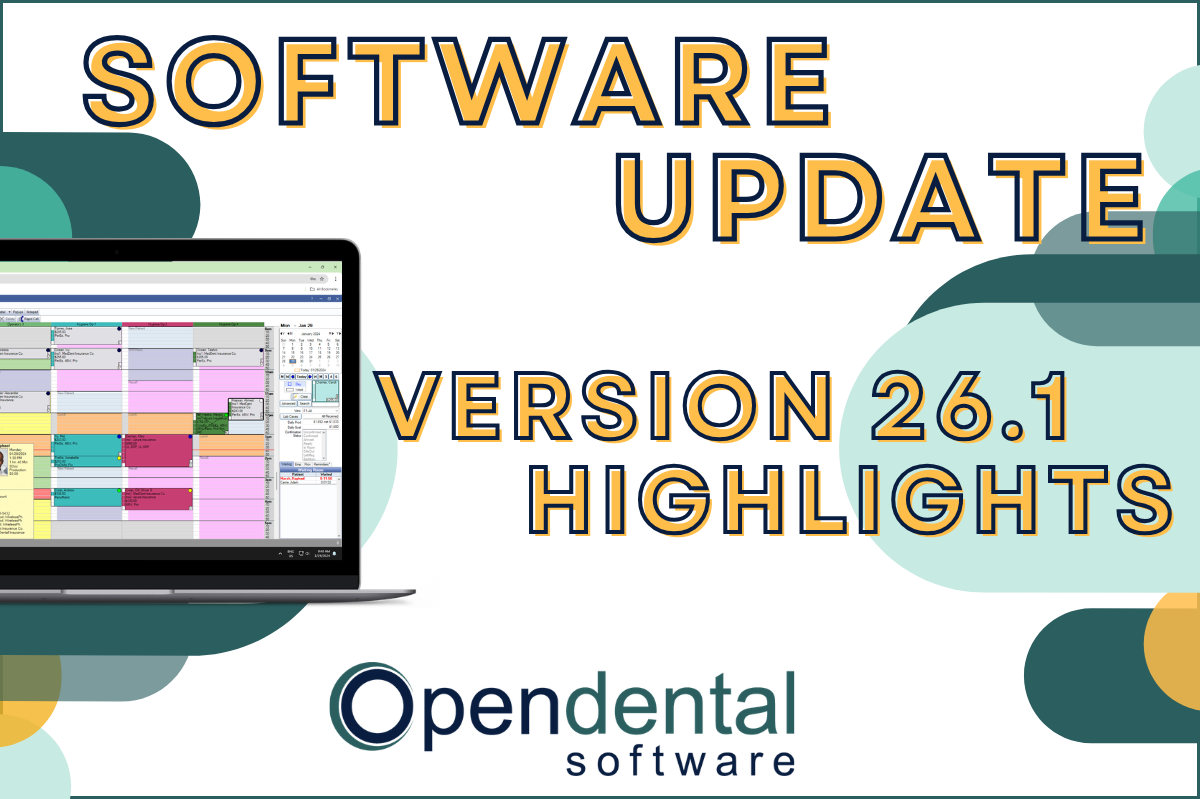 Read more: Software Update: Stable Version 26.1 Highlights
Software Update: Stable Version 26.1 Highlights
Open Dental 26.1 is now stable! New features include ODTouch 25, custom insurance history categories, HTML billing emails, and much more.
-

Open Dental Tools to Boost Efficiency and Productivity
Read more: Open Dental Tools to Boost Efficiency and ProductivityWith more on your plate than ever before, we’re here with five types of tools you can start using today to boost efficiency and productivity.
-

Finding Practice Management Software that Fits
Read more: Finding Practice Management Software that FitsYour Dental Practice Management Software decision will affect your practice and your patients in both the short- and long-term. Find the right fit with the tips in this post.
-

Feature Highlight: Blue Book
Read more: Feature Highlight: Blue BookThe Blue Book feature in Open Dental can help make treatment plan estimates more accurate for your patients on out-of-network plans. Learn how to enable and use this feature.
-

Open Dental Reports and Queries
Read more: Open Dental Reports and QueriesLearn about Open Dental’s standard reports and user queries that allow you to pull the data you need to manage your practice effectively.
Guest Posts
Read content written by featured third-party guest writers.
-
 Read more: How DentalXChange’s Eligibility AI Is Getting Smarter
How DentalXChange’s Eligibility AI Is Getting Smarter
Manual eligibility checks are slow and error-prone. DentalXChange’s Eligibility AI now writes verified benefit data directly into your system, no retyping required.
-
 Read more: How Employers Can Stay Ahead As COVID-19 Changes Dental Staffing
How Employers Can Stay Ahead As COVID-19 Changes Dental Staffing
COVID-19 has brought lasting changes to dental staffing. Learn how to stay ahead, and find the staff you need to succeed in this post.
-
 Read more: Secure File Sharing: How to Stay HIPAA Compliant
Secure File Sharing: How to Stay HIPAA Compliant
Secure file sharing is imperative for dental practitioners who must remain in full compliance with HIPAA. Get top tips on secure file sharing and staying HIPAA compliant.
-
 Read more: The State of Local Business 2020—Key Insights
The State of Local Business 2020—Key Insights
Learn the current customer mindset, and uncover the top ways that local businesses must adapt to meet those new expectations.
-
 Read more: COVID-19 Liability: Who Is Responsible When Someone Becomes Infected At Your Practice?
COVID-19 Liability: Who Is Responsible When Someone Becomes Infected At Your Practice?
Learn more about what your potential liability when a patient or employee claims to have been exposed to COVID-19 in your practice.
-
 Read more: Disaster Recovery Planning – what you need and why you need a disaster recovery data center
Disaster Recovery Planning – what you need and why you need a disaster recovery data center
A disaster recovery data center is an essential requirement of every disaster recovery plan to keep the business running in the event of an unexpected catastrophe.