
-
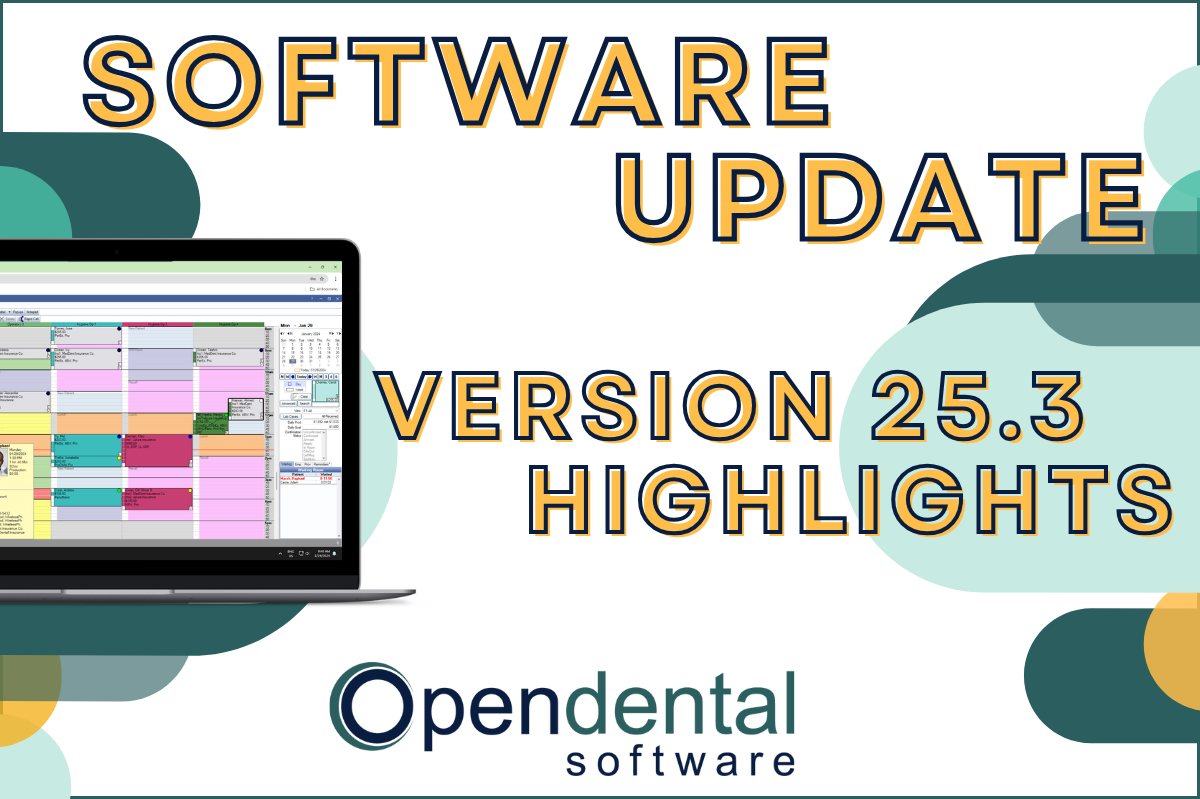 Read more: Software Update: Stable Version 25.3 Highlights
Software Update: Stable Version 25.3 Highlights
Open Dental Version 25.3 has been released as Stable! Our latest blog post goes into some of the highlights from this version, including a few user feature requests!
-

Feature Highlight: The Show Tab
Read more: Feature Highlight: The Show TabThe Show Tab located in the chart module can help access data more efficiently and boost your productivity. Read this post to learn how.
-

Managing Your Patient Accounts Part 2: Adjustments and Account Procs Quick Add
Read more: Managing Your Patient Accounts Part 2: Adjustments and Account Procs Quick AddIn this Patient Accounts Part 2 post, explore adding adjustments to multiple procedures, and how to quickly charge retail items to patient accounts.
-

Software Update: Stable Version 18.4 Highlights
Read more: Software Update: Stable Version 18.4 HighlightsWe are excited to announce that Version 18.4 has been released as Stable. This version implemented 25 features and enhancements. Read the highlights in this post, then update to unlock all the software has to offer!
-

Managing Your Patient Accounts Part 1: All About Claims
Read more: Managing Your Patient Accounts Part 1: All About ClaimsIn this Patient Accounts Part 1 post, read how to create claims quickly & efficiently, track any follow-ups you’re doing with insurance, and all that comes with handling insurance payments.
Guest Posts
Read content written by featured third-party guest writers.
-
 Read more: AI Dental Software: What Actually Works in Modern Dental Practices
AI Dental Software: What Actually Works in Modern Dental Practices
Staff shortages, endless charting, patients who zone out mid-explanation. These are real problems. AI dental software is quietly solving them. Here’s what it does, what it doesn’t, and how to know if it’s right for your practice.
-
 Read more: Five Considerations for Choosing the Ideal Dental Clearinghouse Partner
Five Considerations for Choosing the Ideal Dental Clearinghouse Partner
How are you managing the claims process? A dental clearinghouse ensures claims are submitted electronically from Open Dental to the correct payer. The ideal clearinghouse provides comprehensive products and secure and seamless data exchange. Here are a few things to consider when choosing a clearinghouse for your practice.
-
 Read more: Cost transparency: Navigating the patient financing conversation
Cost transparency: Navigating the patient financing conversation
Consider these best practices for leading financial conversations that can help you improve patient satisfaction, outcomes, and your bottom line.
-
 Read more: HIPAA Cyber Security – What You Need to Know to Protect Yourself
HIPAA Cyber Security – What You Need to Know to Protect Yourself
Learn the importance of cyber security for dental practices and how to maintain HIPAA compliance.
-
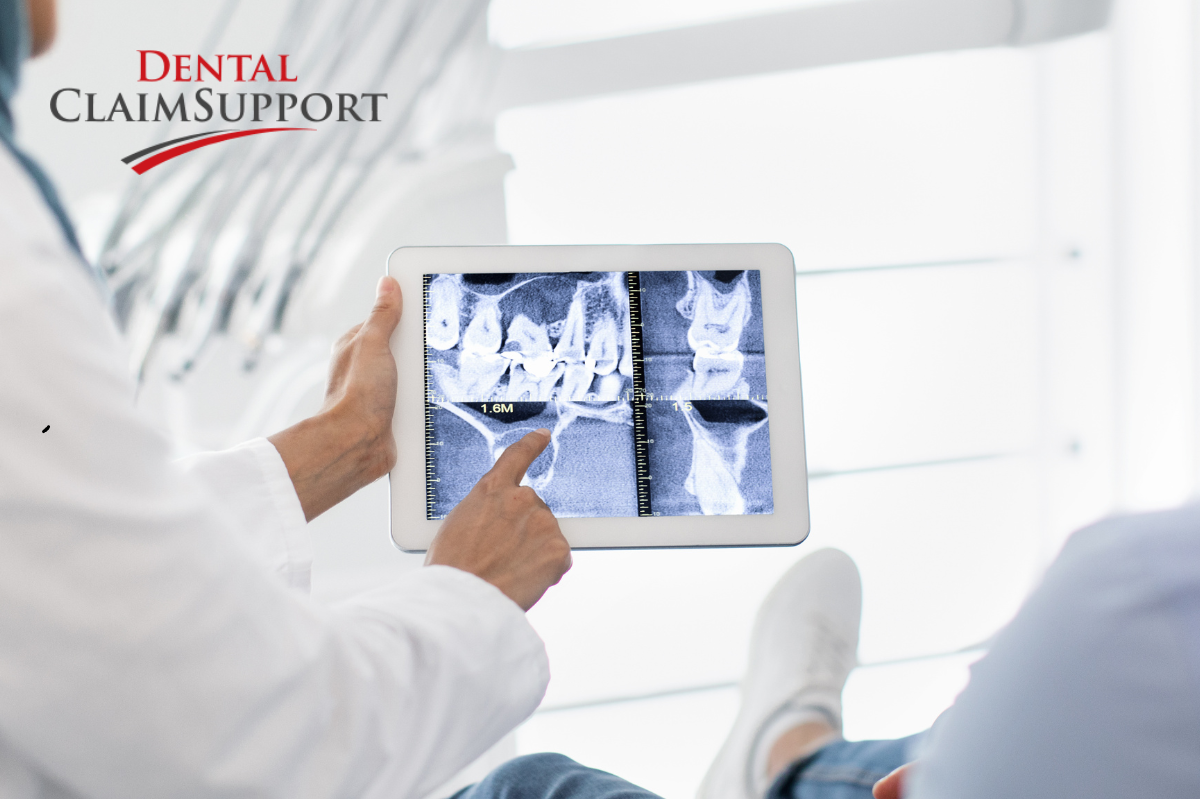 Read more: 4 tips for successful oral surgery billing
4 tips for successful oral surgery billing
In an oral surgery practice, access to billers experienced in oral and maxillofacial surgery can make a world of difference. Get 4 tips for successful oral surgery billing here.
-
 Read more: Hiring Dental Talent? There are Modern Alternatives to Temp Agencies
Hiring Dental Talent? There are Modern Alternatives to Temp Agencies
Hiring dental talent? There are more options than ever when it comes to staffing your burgeoning practice.