
-
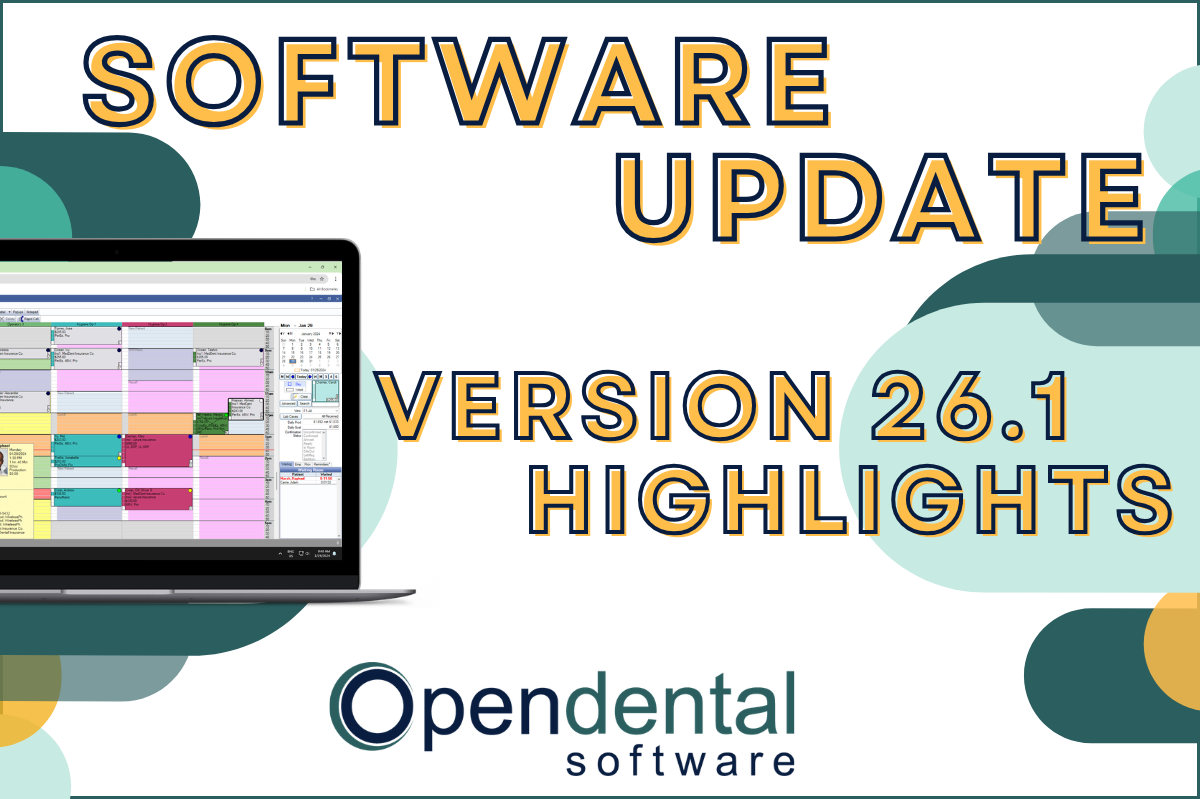 Read more: Software Update: Stable Version 26.1 Highlights
Software Update: Stable Version 26.1 Highlights
Open Dental 26.1 is now stable! New features include ODTouch 25, custom insurance history categories, HTML billing emails, and much more.
-

New Features Highlight: Imaging Module – Part 1
Read more: New Features Highlight: Imaging Module – Part 1While the Imaging Module has many features covered in our previous post, Illustrating the Imaging Module, this post will focus on some of the newest features introduced in Version 20.5.
-

Tips for Getting Insurance Claims Paid Promptly
Read more: Tips for Getting Insurance Claims Paid PromptlyIf your Outstanding Insurance Claims Report has a balance that makes your hair stand on end, this post is for you! We’ll be going through some steps you can take in Open Dental (and beyond) to help prevent issues that could delay insurance payments.
-

Open Dental Updates: 5 Great Reasons to Say YES
Read more: Open Dental Updates: 5 Great Reasons to Say YESDo you update your software regularly? Here are 5 great reasons why you will want to keep your Open Dental practice management software up-to-date.
-

Open Dental Software – Powered by Your Feature Requests!
Read more: Open Dental Software – Powered by Your Feature Requests!Open Dental is powered in part by feature requests submitted by our users. Learn more about how this process works.
Guest Posts
Read content written by featured third-party guest writers.
-
 Read more: How DentalXChange’s Eligibility AI Is Getting Smarter
How DentalXChange’s Eligibility AI Is Getting Smarter
Manual eligibility checks are slow and error-prone. DentalXChange’s Eligibility AI now writes verified benefit data directly into your system, no retyping required.
-
 Read more: Standardizing Workflows Across Multi-Location Open Dental Practices
Standardizing Workflows Across Multi-Location Open Dental Practices
In multi-location dental practices, small inconsistencies in communication and scheduling add up fast. Here’s how DSOs can build standardized workflows that improve patient experience, reduce admin burden, and scale without friction.
-
 Read more: How Often Should Healthcare Providers Test Backup Restore?
How Often Should Healthcare Providers Test Backup Restore?
Healthcare providers are advised to conduct monthly backup restore tests, with quarterly full-system validations and annual disaster simulations recommended for high-risk organizations. Backup monitoring alone does not ensure recoverability; restore testing is essential to confirm that clinical systems and patient data can be operationally restored within acceptable downtime.
-
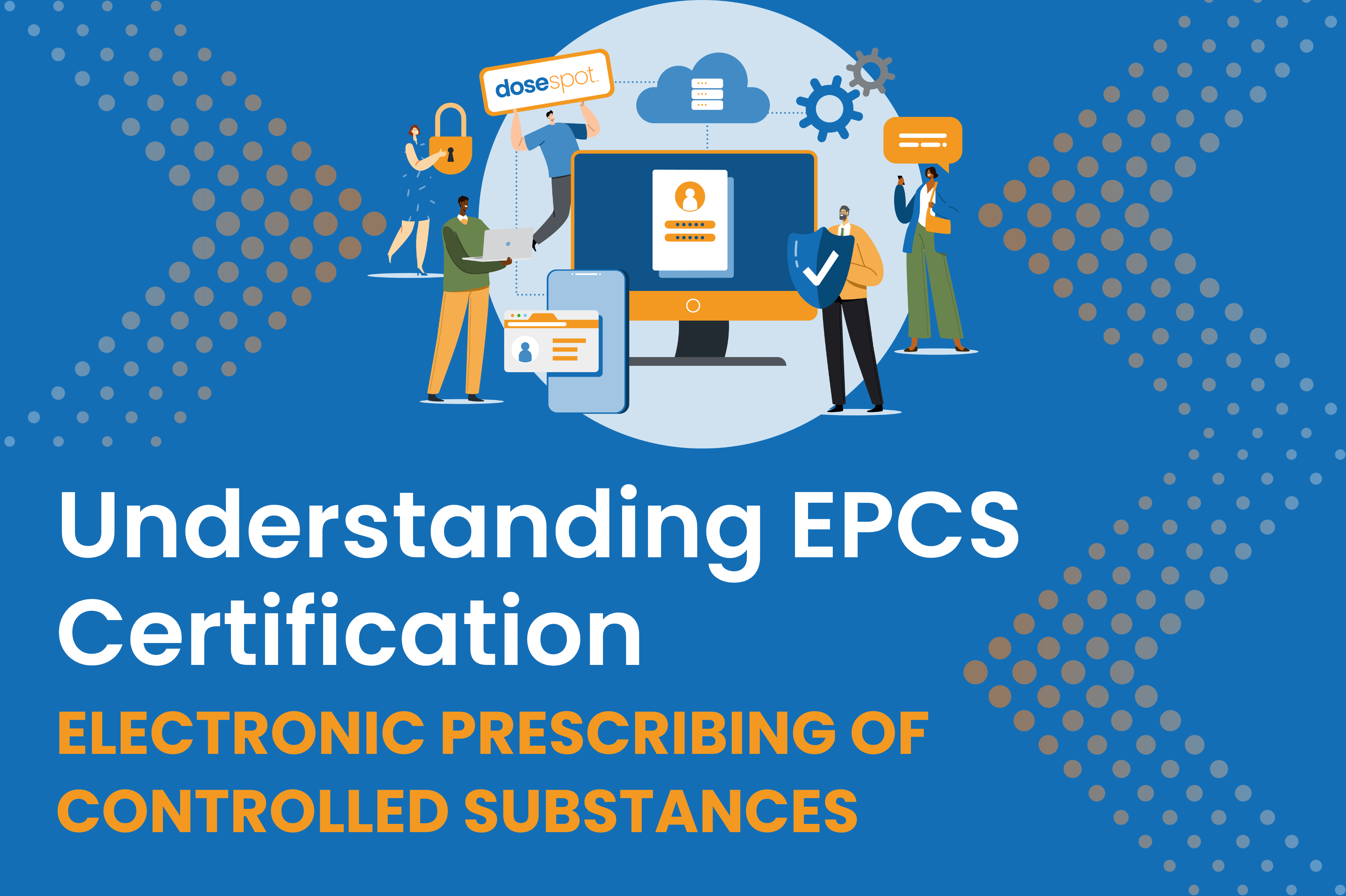 Read more: Understanding EPCS Certification
Understanding EPCS Certification
EPCS certification isn’t just a regulatory checkbox. It’s what makes electronic prescribing of controlled substances actually safe, reducing fraud, cutting errors, and keeping providers on the right side of DEA requirements.
-
 Read more: AI Dental Software: What Actually Works in Modern Dental Practices
AI Dental Software: What Actually Works in Modern Dental Practices
Staff shortages, endless charting, patients who zone out mid-explanation. These are real problems. AI dental software is quietly solving them. Here’s what it does, what it doesn’t, and how to know if it’s right for your practice.
-
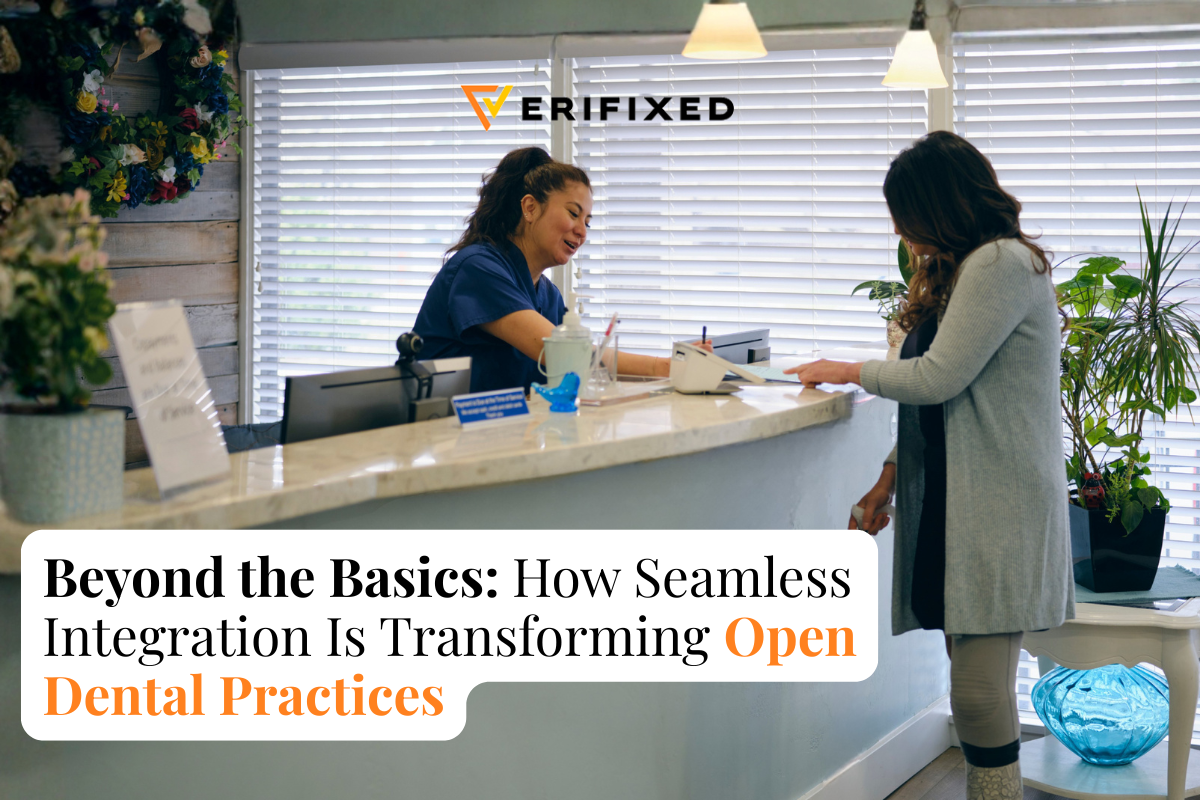 Read more: Beyond the Basics: How Seamless Integration is Changing the Game for Open Dental Practices
Beyond the Basics: How Seamless Integration is Changing the Game for Open Dental Practices
In this post from our guest writer Verifixed learn how integrations can help improve your practice’s workflow and productivity.