
-
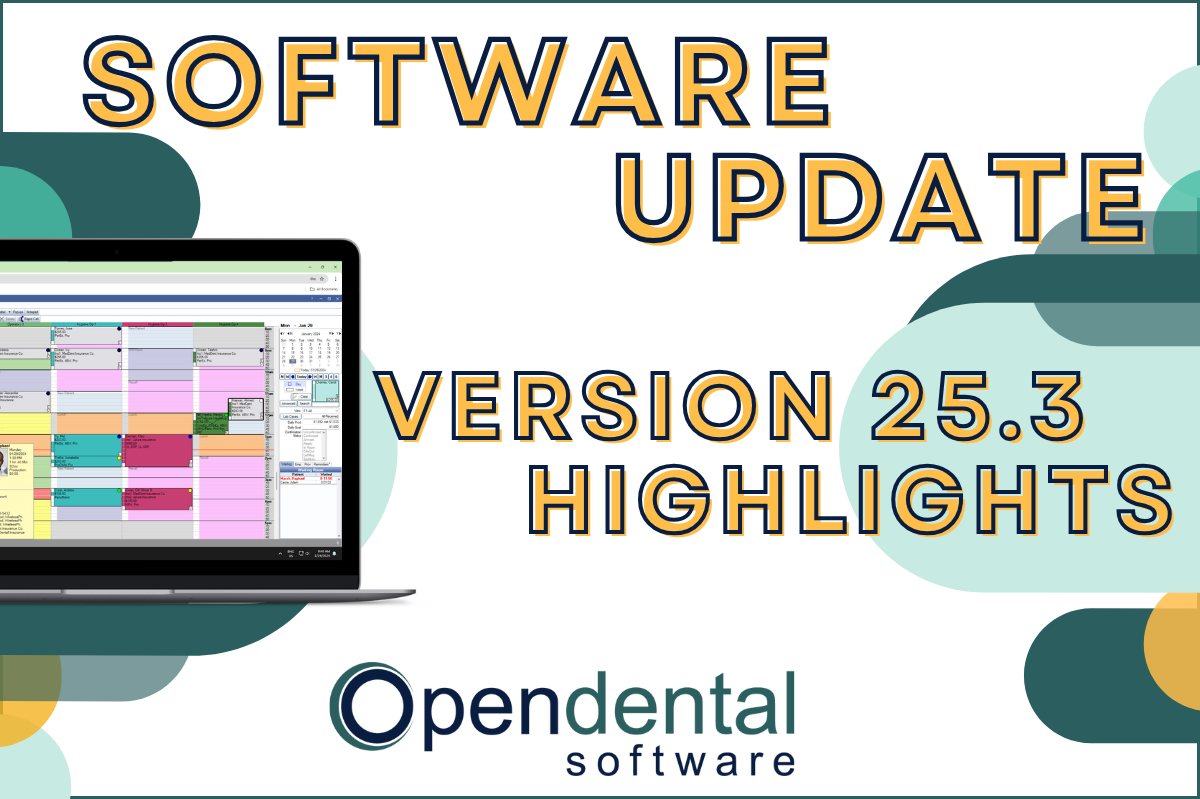 Read more: Software Update: Stable Version 25.3 Highlights
Software Update: Stable Version 25.3 Highlights
Open Dental Version 25.3 has been released as Stable! Our latest blog post goes into some of the highlights from this version, including a few user feature requests!
-

Questions & Answers with an Open Dental Expert: Conversions Supervisor
Read more: Questions & Answers with an Open Dental Expert: Conversions SupervisorOpen Dental is backed by a team of experts from all walks of life. In this post we interview Amber, who is a Conversions Supervisor.
-

Joining the Open Dental Community
Read more: Joining the Open Dental CommunityDid your office recently convert to Open Dental? Will you be switching to Open Dental soon? Maybe you’ve been a user for years but want to learn more. This post is for you! Learn all the benefits of being a part of the Open Dental Community.
-

Do’s and Don’ts for Setup and Cleanup
Read more: Do’s and Don’ts for Setup and CleanupTake a fresh look at things in your practice management software that may be outdated and need updating. Here are the do’s and don’ts of Open Dental setup and cleanup to prevent unintended consequences like changes to historical data.
-

Feature Highlight: Queries
Read more: Feature Highlight: QueriesWith Open Dental, you have complete control over your data, and User Queries provide powerful reporting capabilities. In this post, we’ll discuss how to find and run existing queries, how to save favorite queries, and how to submit a custom query request.
Guest Posts
Read content written by featured third-party guest writers.
-
 Read more: AI Dental Software: What Actually Works in Modern Dental Practices
AI Dental Software: What Actually Works in Modern Dental Practices
Staff shortages, endless charting, patients who zone out mid-explanation. These are real problems. AI dental software is quietly solving them. Here’s what it does, what it doesn’t, and how to know if it’s right for your practice.
-
 Read more: HIPAA Compliance: Why Audit Trails Are Important
HIPAA Compliance: Why Audit Trails Are Important
Audit trails track who has accessed data and what was done with it. Breaking down what audit trails are and why they’re essential for complying with HIPAA.
-
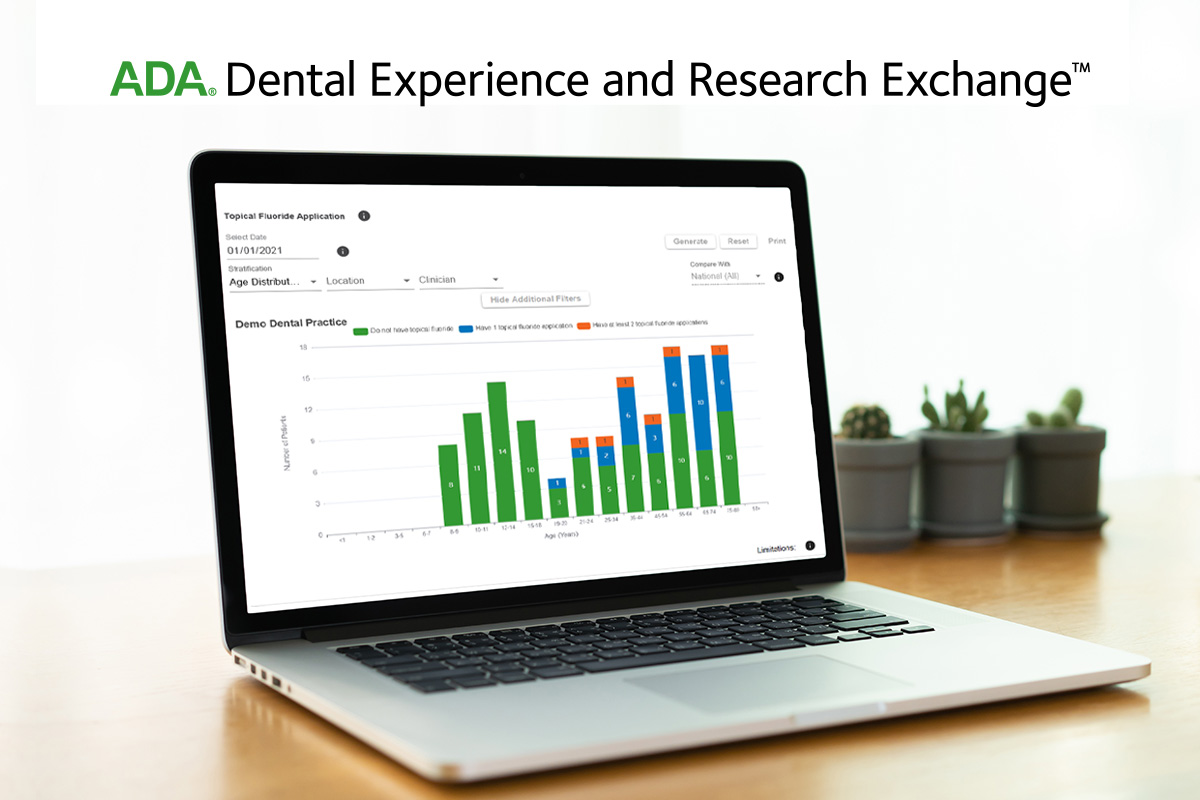 Read more: New ADA Data Registry Helps Dentists Answer Questions about Treatments and Outcomes
New ADA Data Registry Helps Dentists Answer Questions about Treatments and Outcomes
Learn how the new integrated ADA data registry can uncover trends and patterns about how your practice is treating patients to help improve patient care.
-
 Read more: Five Reasons to Love Dentistry Now More Than Ever!
Five Reasons to Love Dentistry Now More Than Ever!
It’s a great time to reflect and count your blessings – starting with these five reasons you should love dentistry now more than ever.
-
 Read more: The Dental Practice’s Guide to Getting More Referrals
The Dental Practice’s Guide to Getting More Referrals
For many practices, two out of every three new dental patients come from referrals alone. Learn how to harness the power of word-of-mouth advertising with this guide.
-
 Read more: How CareCredit’s Integration Can Help Patients Manage Fee-For-Service Costs
How CareCredit’s Integration Can Help Patients Manage Fee-For-Service Costs
Out-of-pocket costs don’t have to be a barrier to offering optimal treatment plans. Learn how CareCredit’s integration and features like Batch Quickscreen make it easy to have a successful financial conversation with patients to help them move forward with treatment.