
-
 Read more: Software Update: Stable Version 25.4 Highlights
Software Update: Stable Version 25.4 Highlights
Open Dental 25.4 is live and packed with updates. From OCR on eClipboard that auto-fills patient insurance info, to a Clerri integration for in-house membership plans, there’s a lot to explore, including 11 features requested directly by users.
-

Mitigating the Impact of Broken Appointments
Read more: Mitigating the Impact of Broken AppointmentsLife happens, but you can mitigate the impact that broken appointments have on your practice and patients by using these tools and processes.
-

Feature Highlight: Tasks
Read more: Feature Highlight: TasksThe Tasks feature in Open Dental is a valuable tool that can be used for interoffice communication, tracking to-do items, sending requests, reminders, and more. This post will discuss Tasks and how to get them set up and working hard for you!
-

User Favorite Open Dental Tips
Read more: User Favorite Open Dental TipsWe love sharing tips with you that help you do more! Here are some user-favorite Open Dental tips and features that have been game-changers.
-

Software Update: Stable Version 23.3 Highlights
Read more: Software Update: Stable Version 23.3 HighlightsOpen Dental Version 23.3 has been released as Stable and includes 11 user-requested features. Join us as we highlight the new features.
Guest Posts
Read content written by featured third-party guest writers.
-
 Read more: AI Dental Software: What Actually Works in Modern Dental Practices
AI Dental Software: What Actually Works in Modern Dental Practices
Staff shortages, endless charting, patients who zone out mid-explanation. These are real problems. AI dental software is quietly solving them. Here’s what it does, what it doesn’t, and how to know if it’s right for your practice.
-
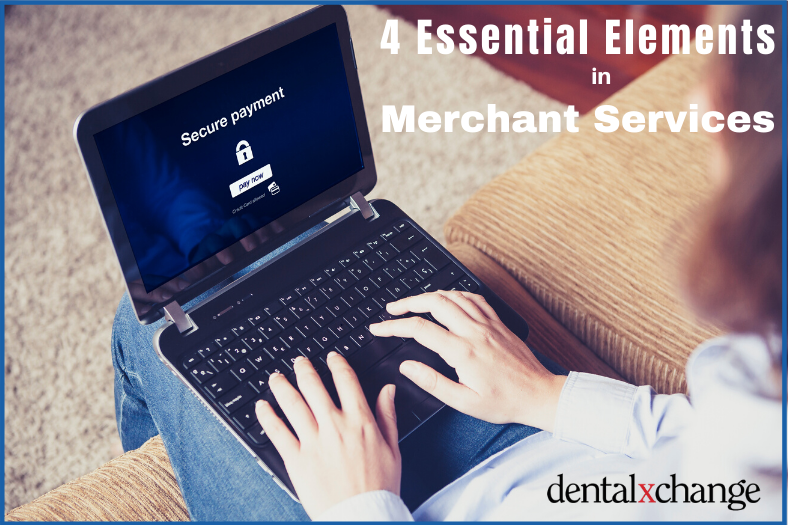 Read more: 4 Essential Elements to Look For in Merchant Services
4 Essential Elements to Look For in Merchant Services
Learn the four essential elements your Merchant Services should have to increase patient satisfaction and get your practice paid quickly and easily.
-
 Read more: Using Recurring Payments to Increase Your Practice Cash Flow
Using Recurring Payments to Increase Your Practice Cash Flow
Learn to utilize recurring payments technology and OpenEdge’s Decline Minimizer feature to increase your cash flow and automate previously manual processes.
-
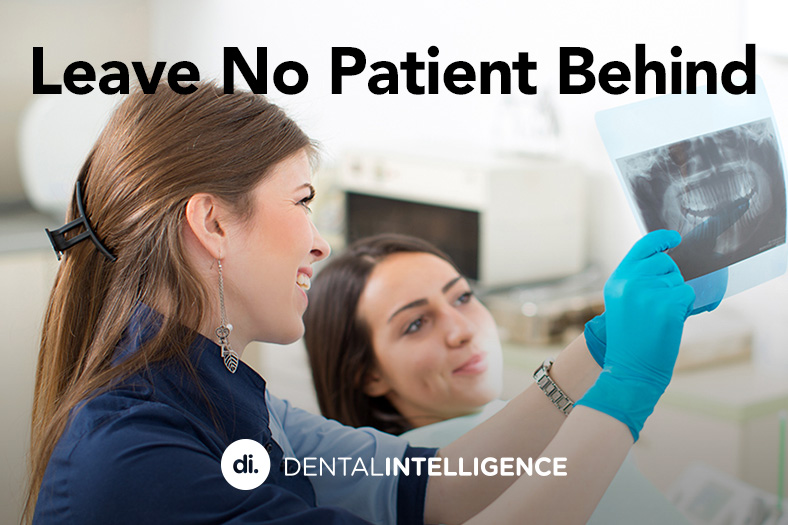 Read more: Leave No Patient Behind
Leave No Patient Behind
Your patients’ health is your primary concern. Learn how measuring practice performance directly benefits the patients you care so much about.
-
 Read more: Best Practices for Backing up Your Patient Data
Best Practices for Backing up Your Patient Data
Nearly half of all cyberattacks target small businesses – just like your dental practice. Check out some best practice tips on how to protect your business.
-
 Read more: Why You Should Use a Password Manager
Why You Should Use a Password Manager
Keeping your practice and patient data secure involves passwords in many places. Learn password best practices, and how a password manager can provide added security and peace of mind.