
-
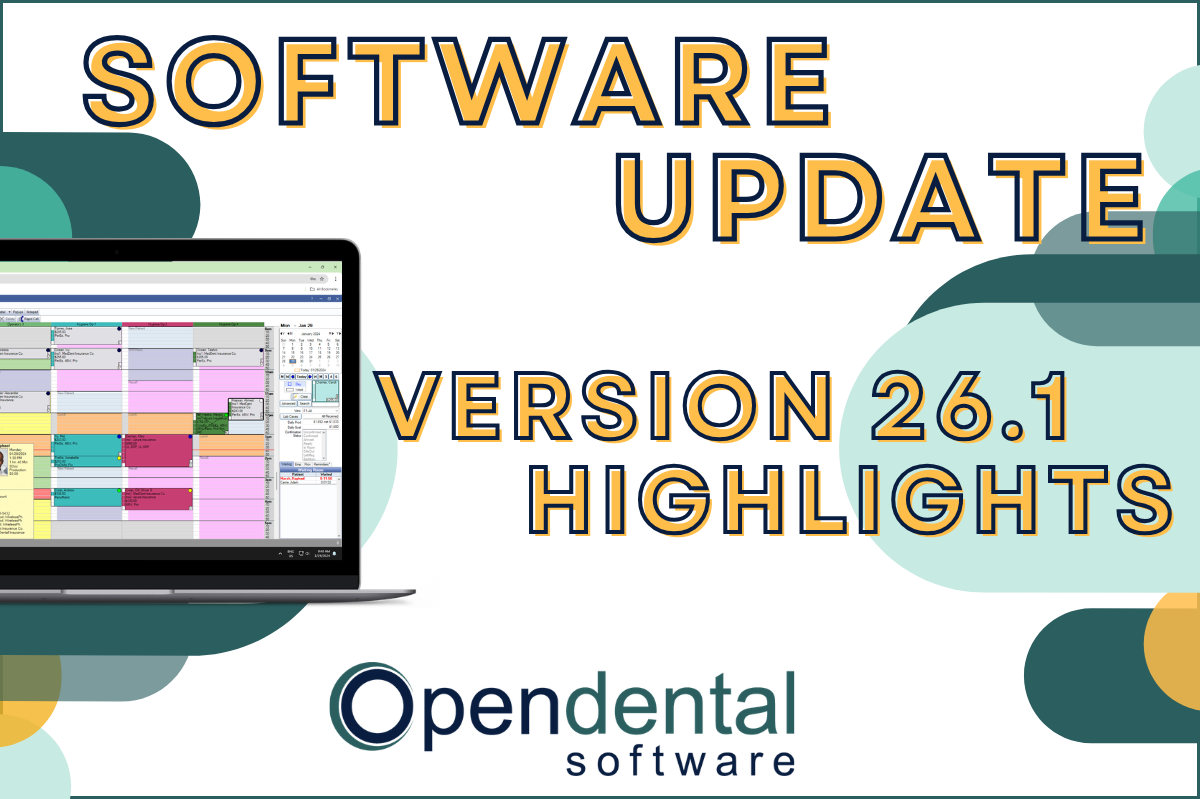 Read more: Software Update: Stable Version 26.1 Highlights
Software Update: Stable Version 26.1 Highlights
Open Dental 26.1 is now stable! New features include ODTouch 25, custom insurance history categories, HTML billing emails, and much more.
-

Multiple Locations: Introduction to the Clinics Feature
Read more: Multiple Locations: Introduction to the Clinics FeatureThe Clinics feature in Open Dental allows you to manage your entire multi-clinic dental organization while allowing customization for each practice. Follow the link in our bio to learn more about the feature and if it’s right for you.
-

Open Dental Tools to Boost Efficiency and Productivity
Read more: Open Dental Tools to Boost Efficiency and ProductivityWith more on your plate than ever before, we’re here with five types of tools you can start using today to boost efficiency and productivity.
-

Finding Practice Management Software that Fits
Read more: Finding Practice Management Software that FitsYour Dental Practice Management Software decision will affect your practice and your patients in both the short- and long-term. Find the right fit with the tips in this post.
-

Feature Highlight: Blue Book
Read more: Feature Highlight: Blue BookThe Blue Book feature in Open Dental can help make treatment plan estimates more accurate for your patients on out-of-network plans. Learn how to enable and use this feature.
Guest Posts
Read content written by featured third-party guest writers.
-
 Read more: How DentalXChange’s Eligibility AI Is Getting Smarter
How DentalXChange’s Eligibility AI Is Getting Smarter
Manual eligibility checks are slow and error-prone. DentalXChange’s Eligibility AI now writes verified benefit data directly into your system, no retyping required.
-
 Read more: Fall in Love with Your IT Company
Fall in Love with Your IT Company
You have many options when choosing an IT company. Learn why selecting an IT provider who specializes in the dental industry is a smart move.
-
 Read more: How To Use Google My Business to the Fullest
How To Use Google My Business to the Fullest
This post explains what Google My Business is, and discusses the various features of GMB that can help improve your practice’s online visibility.
-
 Read more: The Perfect 5-Step Backup Guide for the Imperfect Human
The Perfect 5-Step Backup Guide for the Imperfect Human
Data disasters aren’t just possible, they should be expected. Whether it’s a cybercriminal or a human error, your business’s data is at risk. Learn the backup strategies that can help you safeguard your data.
-
 Read more: Best Practices for Collecting Debt from Millennials in 2019
Best Practices for Collecting Debt from Millennials in 2019
Your dental practice will likely be conducting debt collection from the millennial population at one point or another. Explore best practices and communications strategies in this post.
-
 Read more: How to Prevent Downtime and Be HIPAA Compliant in the Process
How to Prevent Downtime and Be HIPAA Compliant in the Process
Learn the three essential systems that need to be in place to prevent downtime & be HIPAA compliant, and how to implement them in your practice.